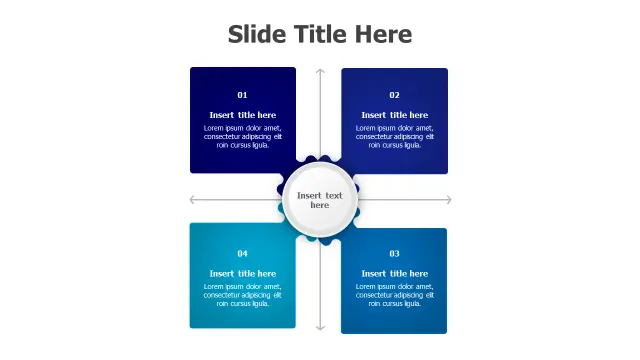
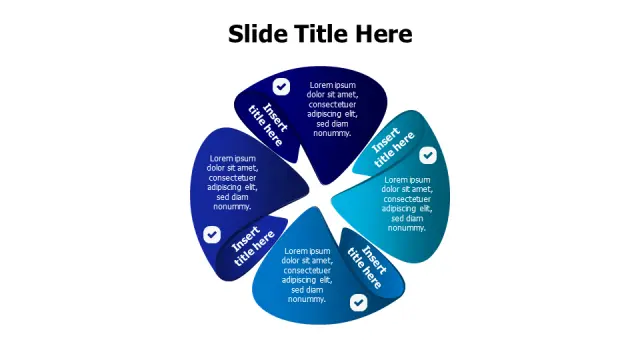
Central Hub Process Matrix Layout works well for showing a core idea surrounded by supporting processes or steps. Use it when you need to visually connect a central theme to multiple related components in a sequential flow.
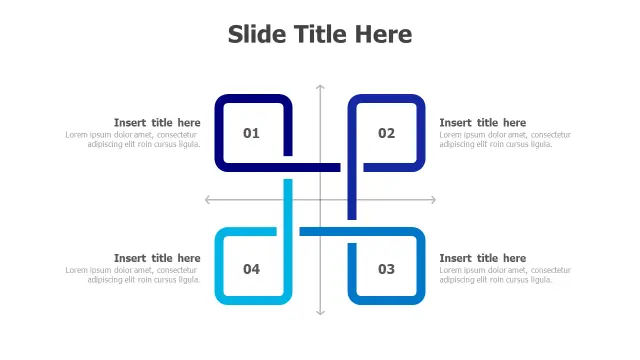
Matrix templates are essential for anyone who needs to compare options, map priorities, or present strategic frameworks like SWOT, BCG, or Eisenhower grids. Consultants, marketers, product managers, and students all rely on matrix layouts to turn dense comparisons into visual, easy-to-scan slides that highlight relationships between two or more variables.
When choosing a matrix template, think about how many categories you need to display and whether your content flows better in a classic four-quadrant grid, a circular hub-and-spoke design, or an interconnected diagram showing dependencies. The templates below cover all these styles, giving you a strong starting point for building clear, professional matrix slides without starting from a blank canvas.
Browse the full library of Matrix PowerPoint and Google Slides templates — fully editable, free to download.
Browse all Matrix templates