Top 10 · Education

Top 10 Education PowerPoint Templates with Examples (2026)

Education PowerPoint templates give teachers, instructional designers, and academic presenters a ready-made visual framework — so the focus stays on content, not slide formatting. Whether you're mapping a curriculum sequence, listing learning objectives, or tracking student milestones, the right template communicates structure at a glance instead of forcing your audience to decode a wall of bullet points.

This list ranks the 10 most-downloaded education templates on PPT-Design, covering notebook layouts, stacked-book infographics, knowledge trees, and checklist slides. Each design suits a specific classroom or training context, so you'll find options for a single-objective summary slide right through to a six-module course overview.

When choosing, pay attention to point count — a four-point layout breaks badly if you need six items — and check whether text placeholders sit inside grouped shapes, which keeps resizing predictable inside PowerPoint's Selection Pane. Color scheme matters too: blue-and-teal palettes read clearly on projectors, while gradient fills add depth without requiring manual formatting.

Free download Fully editable PowerPoint + Google Slides
1 2 3 4 5 6 7 8 9 10
Four Point Checklist Notebook Layout
Free PowerPoint + Google Slides 363+ downloads

Pick this one when you need to open a lesson or training session with a concise agenda. The notebook-style layout instantly signals an academic context, and the four vertically stacked checkmark items give each objective equal visual weight — no hierarchy confusion. Blue and teal hold up well on classroom projectors.

It works best as a standalone objectives slide at the start of a deck rather than a mid-presentation infographic. If your session has more than four items, duplicate and split across two slides rather than cramming extra content into the existing placeholders.
Education Achievement Stacked Books Infographic
Free PowerPoint + Google Slides 233+ downloads

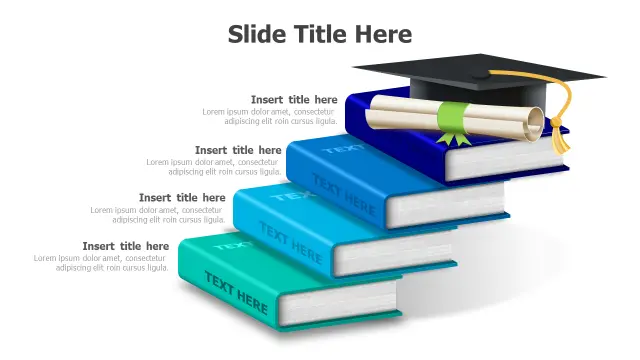
The 3D stacked-books motif with graduation cap makes this the go-to slide for showcasing academic achievements, program outcomes, or reading-level progressions. Each book level functions like a step in a tiered model, so it reads naturally as both a hierarchy and a timeline.

Use it in school board presentations, grant proposals, or student award ceremonies where visual impact matters. The colorful book spines differentiate content sections without requiring custom color coding from the Design tab.

Six Point Notebook Layout Educational Infographic
Free PowerPoint + Google Slides 200+ downloads

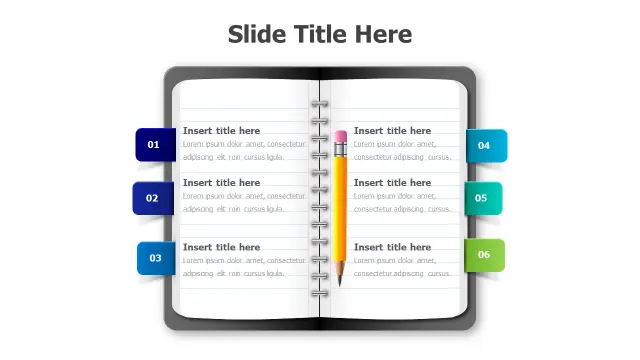
Six sections arranged around a central spiral-notepad illustration makes this layout ideal for course module overviews or study-guide summaries. The numbered callouts guide the eye in sequence, which suits step-based content like a six-week syllabus or a tiered research process.

Trainers presenting blended-learning programs will find the balanced radial arrangement useful — it avoids implying that any one module outweighs another. Keep text inside each section brief; three to five words per point is the practical maximum before the layout crowds.

6-Point Knowledge Tree Learning Diagram
Free PowerPoint + Google Slides 160+ downloads

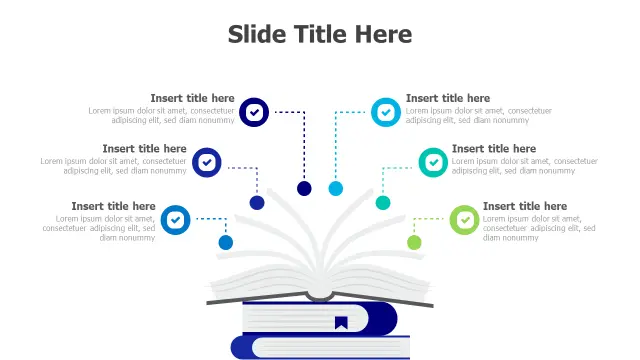
The open-book root with six branching points is purpose-built for topic-mapping slides — subject areas that stem from a single core concept, such as the pillars of a science unit or competencies within a certification program. The tree metaphor does the explanatory heavy lifting so you don't need extra callout shapes.

It suits mid-deck slides that introduce a module structure before drilling into each branch on subsequent slides. Pair it with PowerPoint's Morph transition to animate the branches appearing in sequence for a polished classroom delivery.

Stacked Books Knowledge Pathway Infographic
Free PowerPoint + Google Slides 145+ downloads

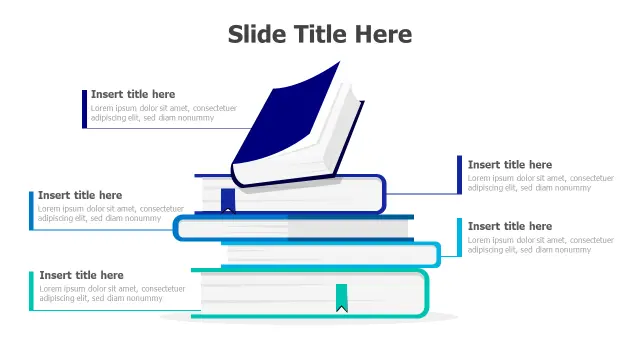
Five distinct book layers make this the strongest option for showing knowledge-building progressions — think reading levels, competency frameworks, or prerequisite course sequences. The layered structure visually reinforces the idea that each stage supports the next.

Academic institutions presenting curriculum maps or literacy programs will get the most from it. Unlike the six-point notebook layout, the vertical stacking here implies a clear bottom-to-top progression, so order your content accordingly when filling the placeholders.

Four Step Learning Process Stacked Books
Free PowerPoint + Google Slides 117+ downloads

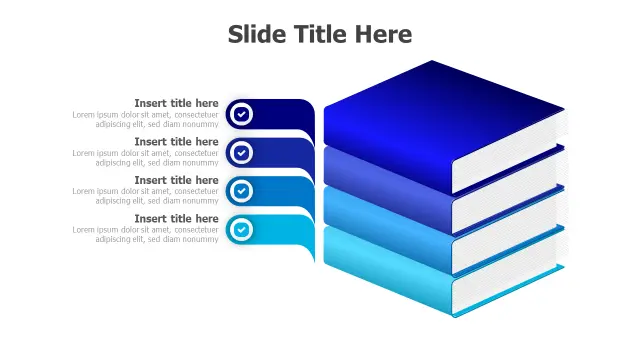
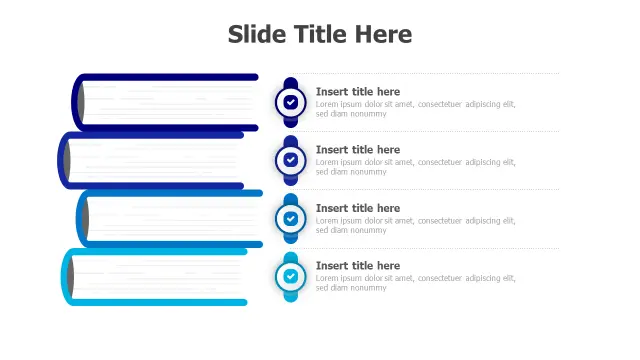
Four 3D gradient-blue books stacked with checkmark icons is a natural fit for step-based instructional content: reading a chapter, completing exercises, taking a quiz, reviewing feedback. The sequential metaphor is baked into the visual, so audiences grasp the process without additional explanation.

Instructional designers building e-learning storyboards or printed course guides will find the clean placeholder structure easy to export and repurpose. The gradient-blue palette also harmonizes with most default Office themes, reducing the need to restyle surrounding slides.

Six Point Educational 3D Pencil Infographic
Free PowerPoint + Google Slides

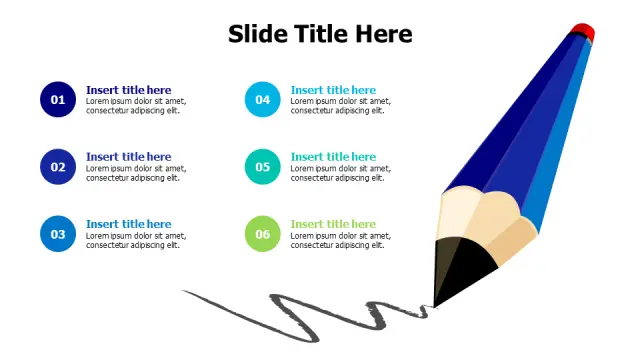
A large 3D pencil illustration anchoring six colorful numbered sections gives this template strong visual recall — useful when you want the slide remembered after the session ends. It suits lesson-plan overviews, step-by-step instructional sequences, or workshop agendas where you need numbered order to be obvious.

Teachers presenting to parents or administrators will appreciate the vibrant palette, which signals an engaging, student-centered approach. Keep section labels short so the circular callouts don't overflow — the layout is optimized for concise labels, not full sentences.

4-Point 3D Books Checklist Infographic
Free PowerPoint + Google Slides

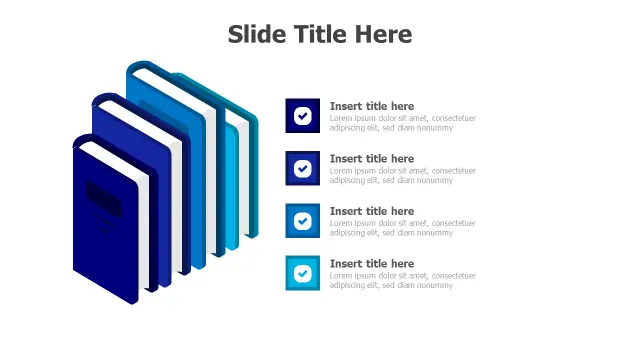
Isometric book shapes give this four-point template a more polished, corporate-training feel compared to flat or 2D alternatives. It bridges academic and professional contexts well, making it a good pick for HR learning-and-development decks or university partnership presentations.

Each 3D book paired with a checkmark icon works well for listing required readings, certification criteria, or compliance-training modules. Because the shapes are isometric, avoid stretching them vertically — resize proportionally to keep the depth effect intact.

Three Point Checkmark Achievement Layout
Free PowerPoint + Google Slides

Three circular checkmark icons in a horizontal row is the leanest layout on this list. Use it when you have exactly three milestones to communicate and want maximum white space — end-of-term achievement summaries, three-phase project reviews, or pass/fail criteria slides.

The horizontal flow reads left-to-right as a timeline, which makes it effective for showing progression through a semester or training cohort. If your audience is remote, the uncluttered layout scales cleanly in Zoom's shared-screen view without text becoming illegible.

4-Step Educational Progress Checklist Template
Free PowerPoint + Google Slides

A four-step sequential checklist with a blue-to-cyan gradient is the most straightforward progress-tracking slide on the list. It's ideal for course completion dashboards, onboarding checklists, or assessment rubric summaries where a simple numbered flow is all you need.

The gradient color shift across steps subtly reinforces progression without requiring custom animations. Use this as a recurring slide across a multi-session course — update the checked states each session to show learners where they stand in the overall program.

Frequently Asked Questions

What makes a good education PowerPoint template?

Clear visual hierarchy, readable fonts at projection sizes, and a point count that matches your content. Templates with grouped, resizable shapes save significant formatting time inside PowerPoint's Selection Pane.

Can I edit these education templates in PowerPoint without design skills?

Yes. All templates use standard PowerPoint placeholders — click to replace text, recolor shapes via Format Shape, and swap icons through Insert > Icons. No external software needed.

Which education template is best for showing a curriculum sequence?

Stacked-books designs like the Knowledge Pathway Infographic (five layers) or the Four Step Learning Process template work best because the vertical layering visually implies a step-by-step progression.

How many points should an educational infographic slide have?

Three to six is the practical range for a single slide. Fewer than three feels sparse; more than six typically shrinks text below 18pt, which becomes unreadable on a projected screen.

Are notebook-style PowerPoint templates appropriate for professional training, not just school?

Absolutely. Notebook layouts read as organized and structured, which suits corporate training, onboarding, and compliance contexts just as well as K-12 or higher-education classrooms.

Looking for more Education templates?

Browse the full library of Education PowerPoint and Google Slides templates — fully editable, free to download.

Browse all Education templates