Top 10 · Agenda

Top 10 Agenda PowerPoint Templates with Examples (2026)

Agenda PowerPoint templates give your meeting or presentation an immediate sense of structure — audiences know what's coming, and speakers stay on track. A well-designed agenda slide sets the professional tone before a single content slide appears, whether you're running a 15-minute standup or a full-day strategy session.

This list covers the 10 most-downloaded agenda templates on PPT-Design, ranging from compact three-point layouts to detailed ten-item frameworks. Each one is built for a different scenario: some suit linear step-by-step flows, others work better for topic clusters or parallel workstreams. All are fully editable in PowerPoint's normal slide view, so you can swap colors via the Design tab, replace placeholder text, and adjust shapes without touching the underlying structure.

When picking an agenda template, match the item count to your actual agenda — don't force five topics into an eight-slot layout. Also consider visual weight: radial and banner designs draw attention and work well on large screens, while simple vertical lists read cleanly in printed handouts or small conference rooms.

Free download Fully editable PowerPoint + Google Slides
1 2 3 4 5 6 7 8 9 10
8-Step Agenda List Layout
Free PowerPoint + Google Slides 3,175+ downloads

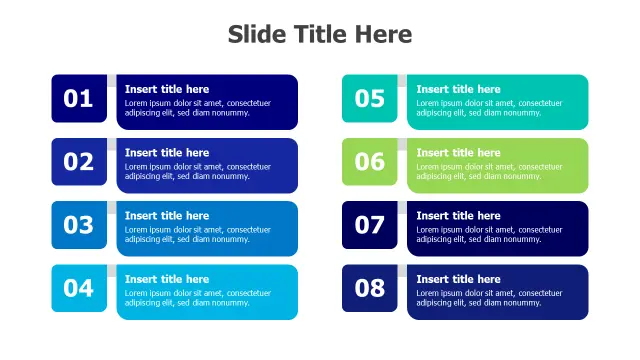
The 8-Step Agenda List Layout is the go-to pick when you have a dense agenda and need every item to breathe. The numbered square badges give each point a clear visual anchor, while the rounded text boxes create enough white space that descriptions don't feel crammed. It suits project kickoff meetings where stakeholders need context under each agenda item, not just a bullet point.

Because the layout is purely vertical, it scales cleanly to widescreen (16:9) and prints well — useful when you're distributing paper copies before a board meeting.
Six Step Checkmark Banner Agenda
Free PowerPoint + Google Slides 931+ downloads

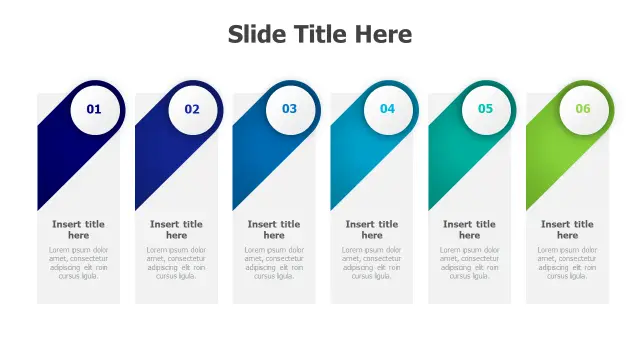
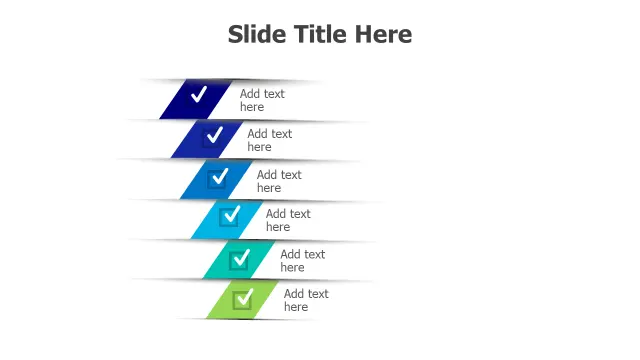
The Six Step Checkmark Banner Agenda uses diagonal banner ribbons to communicate forward momentum, making it a natural fit for project status meetings or sprint reviews where progress is the story. The blue-to-green gradient reinforces a sense of completion moving left to right.

The checkmark icons are particularly effective when you want attendees to mentally tick off completed phases before discussing the next one. Swap icon fills in the Format Shape pane if your brand uses a different accent color.

8-Point Radial Agenda Sunburst Layout
Free PowerPoint + Google Slides 894+ downloads

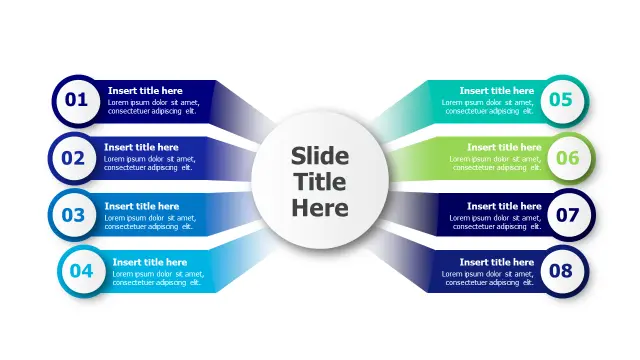
The 8-Point Radial Agenda Sunburst Layout breaks from linear thinking — it's ideal when your agenda items are parallel workstreams rather than sequential steps. Strategy workshops, quarterly business reviews, and multi-department briefings benefit from the hub-and-spoke format because it signals that topics carry equal weight.

The color-coded segments make it easy for a room of 30+ people to track which topic is active. Each segment's gradient background is editable via Format Shape without disrupting the radial alignment.

Six Point Banner Flag Agenda Layout
Free PowerPoint + Google Slides 681+ downloads

The Six Point Banner Flag Agenda Layout brings a crisp, directional feel using flag-shaped chevrons that guide the eye left to right. The navy-to-lime gradient gives it an energetic, modern look that works well for sales kick-off meetings and product launch briefings where you want energy in the room from slide one.

Each flag's numbered circle doubles as a section reference, so you can return to this slide mid-presentation and point to exactly where you are in the agenda without confusion.

Five Point Vertical Bar List
Free PowerPoint + Google Slides 659+ downloads

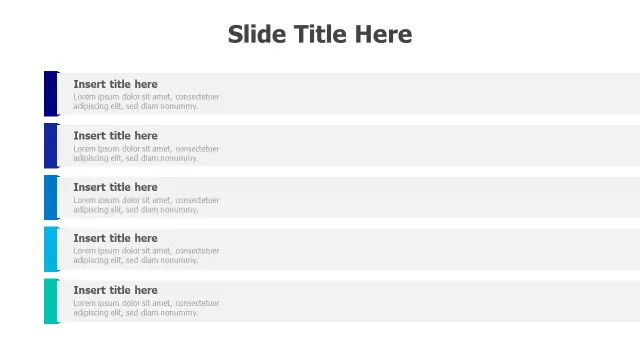
The Five Point Vertical Bar List is the understated option in this collection — no diagonal shapes, no radial layouts, just a clean stack of color-accented rows. Choose this when your audience skews conservative (legal, finance, C-suite) or when the agenda slide will appear in a deck alongside dense data slides that need visual relief.

The blue gradient accent bars are thin enough to avoid distracting from text, yet strong enough to separate items at a glance. It also mirrors the look of a structured outline, which feels familiar and authoritative.

6-Step Arrow Process Agenda Layout
Free PowerPoint + Google Slides 512+ downloads

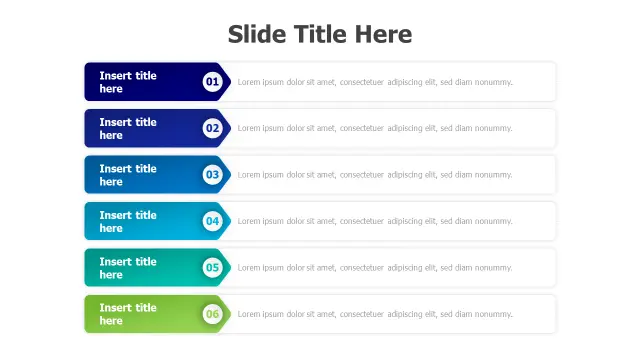
The 6-Step Arrow Process Agenda Layout makes the sequential nature of your agenda unmistakable. The interlocking arrow shapes borrow from standard process-flow diagrams, so audiences trained in project management immediately read the layout as ordered and dependent — step 2 follows step 1, full stop.

It's best suited for training sessions, onboarding presentations, or any meeting where the order of agenda items actually matters operationally. The navy-to-green gradient can be recolored in one click using PowerPoint's Recolor Shape option.

Numbered Pill Agenda Layout Template
Free PowerPoint + Google Slides 470+ downloads

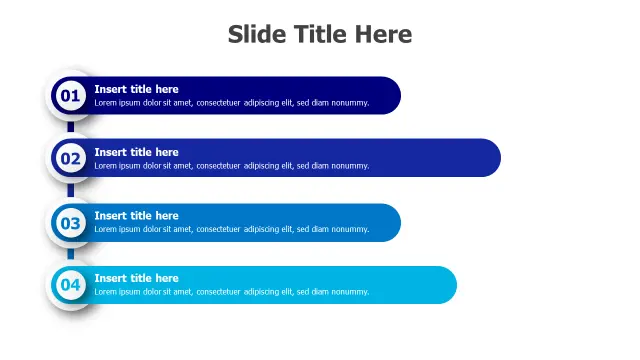
The Numbered Pill Agenda Layout Template covers four agenda items in a compact, horizontally balanced format. Pill-shaped sections feel approachable and modern — a good match for team huddles, creative briefings, or internal workshops where a rigid corporate look would feel out of place.

Four slots is intentionally limited. If you consistently run meetings with four agenda items, this template removes the temptation to over-fill the slide. The gradient blue scheme keeps it cohesive without requiring manual color adjustments.

Three Section Curved Bridge Layout
Free PowerPoint + Google Slides 457+ downloads

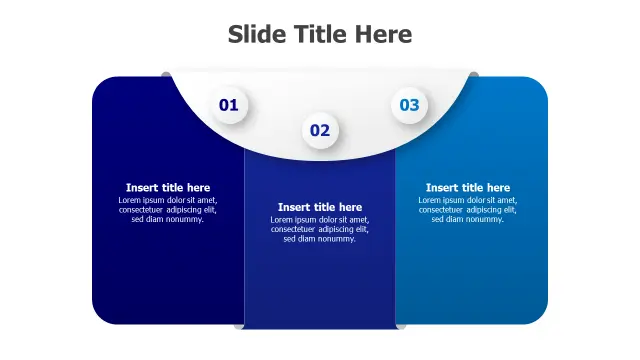
The Three Section Curved Bridge Layout is the right pick when your three agenda items are genuinely interconnected — think discovery, analysis, and recommendation in a consulting readout, or problem, solution, and next steps in a client meeting. The flowing curved arc between sections visually communicates dependency and continuity.

With only three content areas, each block gets more description space than most agenda templates allow. Use that room to include a speaker name or time allocation under each section title.

Three Point Curved Card Layout
Free PowerPoint + Google Slides 357+ downloads

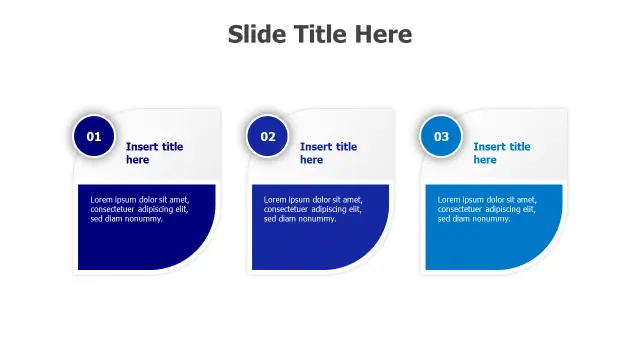
The Three Point Curved Card Layout is the most polished minimal option here. Curved-corner cards in gradient blue tones feel premium and contemporary — well suited for executive briefings, investor updates, or client-facing presentations where first impressions matter and the agenda is short by design.

Three items with circular numbered badges create a clean visual hierarchy that also works as a section divider mid-deck, not just an opening agenda slide. Resize the cards proportionally by holding Shift while dragging corner handles in the normal editing view.

Ten Point Shield Badge Agenda Layout
Free PowerPoint + Google Slides 357+ downloads

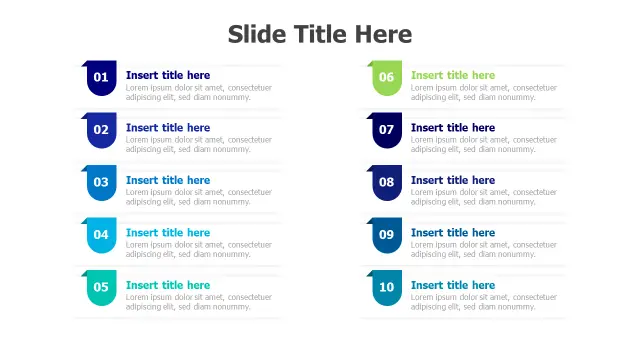
The Ten Point Shield Badge Agenda Layout handles the longest agendas in this list. Two-column shield badges keep ten items readable without requiring a scroll or a second slide — practical for full-day workshops, conference programs, or annual general meetings where a complete agenda on one slide matters.

The shield shape adds a subtle authority to each item, which suits compliance, governance, or legal team presentations. The vibrant gradient scheme can be toned down by applying a monochromatic theme palette from the Design tab's Variants dropdown.

Frequently Asked Questions

What should an agenda slide include in PowerPoint?

At minimum: a numbered list of topics, approximate time per item, and the presenter's name if multiple speakers are involved. Keep it to one slide so it stays scannable.

How do I make an agenda slide in PowerPoint from scratch?

Insert a blank slide layout, add a text box for each agenda item, and use SmartArt or manual shapes for visual structure. Starting from a pre-built template is faster and keeps alignment consistent.

How many agenda items should a PowerPoint agenda slide have?

Five to seven items is the practical limit for a single slide at standard font sizes. More than eight items usually requires a two-column layout or a dedicated agenda section with one slide per topic.

Can I reuse an agenda template for multiple presentations?

Yes. Save it as a custom slide layout in your Slide Master, or keep a blank copy in a template file (.potx) so you can duplicate and fill in new content without reformatting every time.

What's the difference between an agenda slide and a table of contents slide in PowerPoint?

An agenda slide focuses on meeting flow — topics, time, and order. A table of contents slide maps to deck sections and often includes hyperlinks to jump directly to each section using PowerPoint's Insert Hyperlink feature.

Looking for more Agenda templates?

Browse the full library of Agenda PowerPoint and Google Slides templates — fully editable, free to download.

Browse all Agenda templates