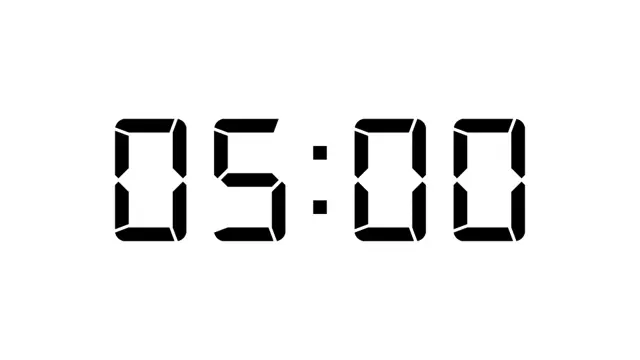
Digital LCD 5-Minute Countdown Clock is ideal for short discussion breaks or brainstorming sprints. Its bold LCD-style digits keep the remaining time visible even in large meeting rooms.
Timer templates are essential for trainers, teachers, event hosts, and presenters who need to visually manage time during breaks, quizzes, workouts, or Q&A sessions. Instead of relying on a physical clock or phone, embedding a countdown timer directly into your slides keeps the audience focused and adds a professional, polished touch to any presentation.
When choosing a timer template, think about the duration you actually need to display. Short countdowns like 15, 30, or 60 seconds work well for rapid quizzes or lightning rounds, while longer 5, 10, 15, or 30-minute timers suit workshop breaks, exam sections, or group activities. Look for a clean digital LCD design that's easy to read from the back of a room, and consider whether you need a standard or alternate layout to match your existing slide deck style.
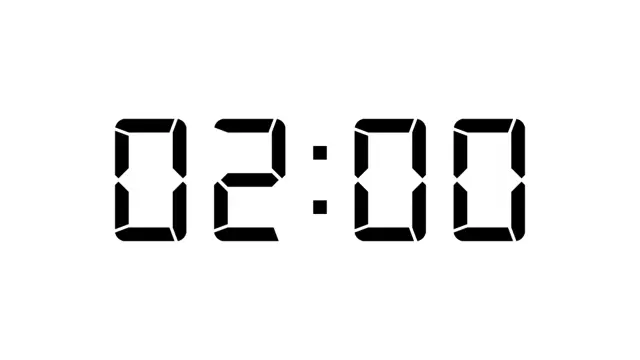
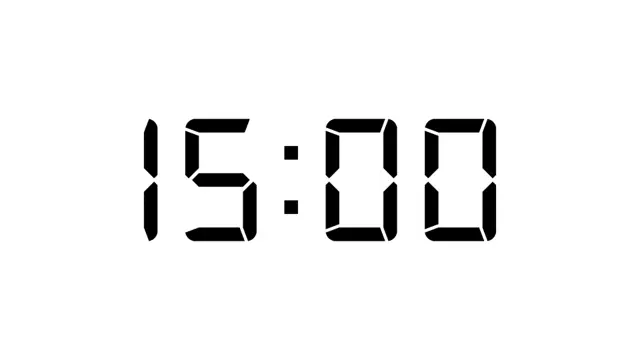
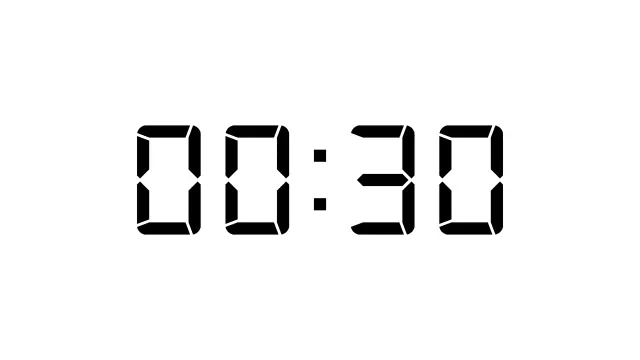
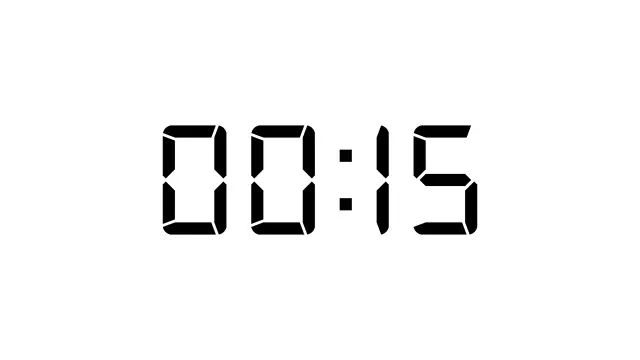
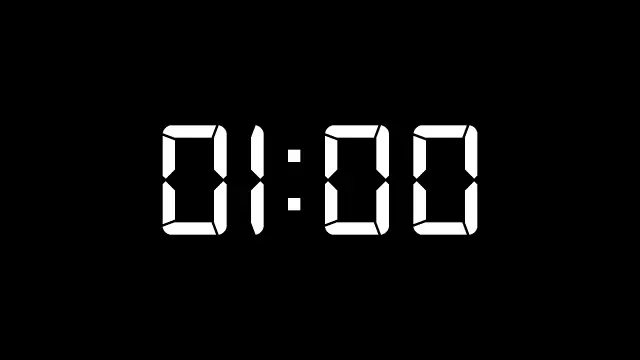
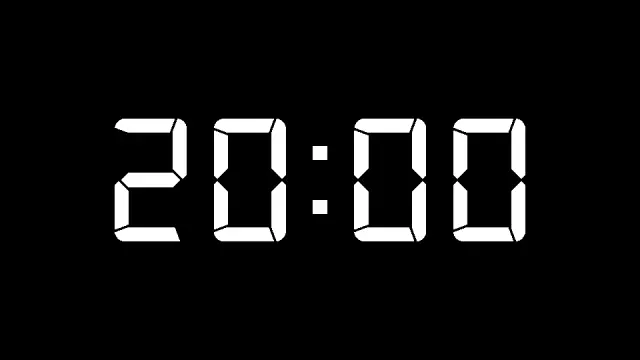
A sleek digital countdown timer displaying 20:00 in classic LCD-style white numerals on a transparent black background. Perfect for presentations, workshops, meetings, and classroom activities where precise time management is essential. This non-looping GIF timer provides clear visibility and maintains focus during tim
Browse the full library of Timer PowerPoint and Google Slides templates — fully editable, free to download.
Browse all Timer templates