Top 10 · Timeline

Top 10 Timeline PowerPoint Templates with Examples (2026)

Timeline PowerPoint templates give audiences an immediate grasp of sequence, duration, and progress — things a plain bullet list can never do. Whether you're mapping a product launch, walking a board through a five-year strategy, or recapping a company's history, a well-built timeline slide anchors your narrative to real dates and stages. The right layout keeps stakeholders oriented so your spoken commentary does the heavy lifting.

This list ranks the 10 most-downloaded timeline templates on PPT-Design, covering curved roadmaps, classic horizontal arrows, chevron progressions, and zigzag layouts. Each one ships as a fully editable PowerPoint file — SmartArt-free shapes, easily recolored through the Format Shape panel, and compatible with both Windows and Mac versions of PowerPoint. The ranking reflects what presenters actually reach for, so every entry has proven demand behind it.

When picking a timeline template, match the layout to your stage count first: a 15-step roadmap calls for a compact curved path, while a 5-year strategy lands better as bold chevron arrows with breathing room for text. Also consider density — alternating above-and-below labels prevent crowding on longer timelines, while color gradients help audiences track forward motion at a glance.

Free download Fully editable PowerPoint + Google Slides
1 2 3 4 5 6 7 8 9 10
5-Year Curved Timeline Infographic
Free PowerPoint + Google Slides 873+ downloads

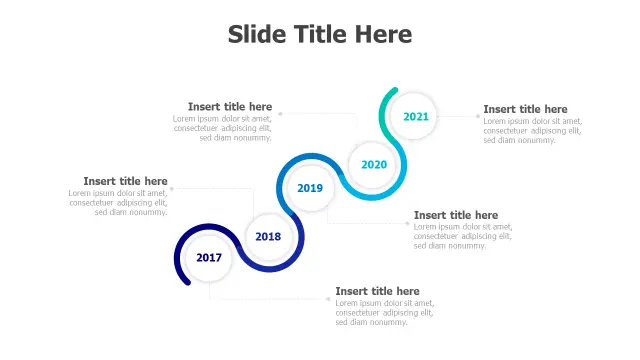
The S-curve layout earns this template the top spot because it breaks the monotony of horizontal slides while still reading left-to-right. Five circular milestone nodes sit at natural pause points along the curve, giving presenters a built-in beat for each year. The blue gradient keeps the design corporate without feeling stiff.

Best suited for company history slides or annual-report decks where you want visual drama without sacrificing readability. The flowing path also photographs well for printed leave-behinds.
9-Stage Journey Roadmap Infographic Template
Free PowerPoint + Google Slides 392+ downloads

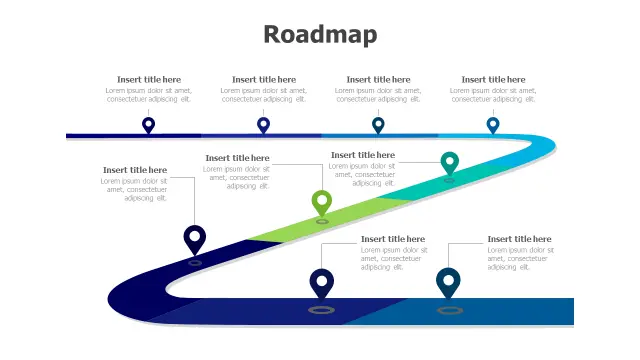
Nine stages is a lot to manage on one slide, and this template handles the load by spreading milestones across a flowing S-path with location-pin markers that feel like stops on a journey — ideal framing for product development phases or multi-sprint project plans.

Choose this over a straight horizontal layout when you need the stage count to feel like progress rather than a laundry list. The gradient shift from blue to green signals forward momentum without adding text.

4-Step Arrow Progression Chevron Timeline
Free PowerPoint + Google Slides 370+ downloads

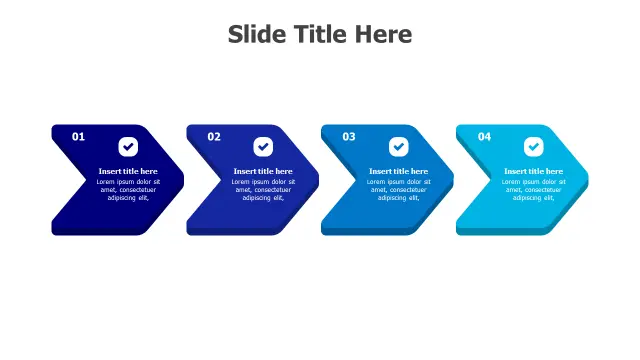
Chevron arrows are a PowerPoint staple because they signal direction and connection simultaneously. This four-step version pairs each arrow with a numbered label and a checkmark icon — a detail that makes it especially useful for implementation or onboarding sequences where completion matters.

Pick this template when you have exactly four phases and want audience attention on the logical hand-off between steps. The gradient blue tones work well inside branded decks that already use a navy or royal-blue palette.

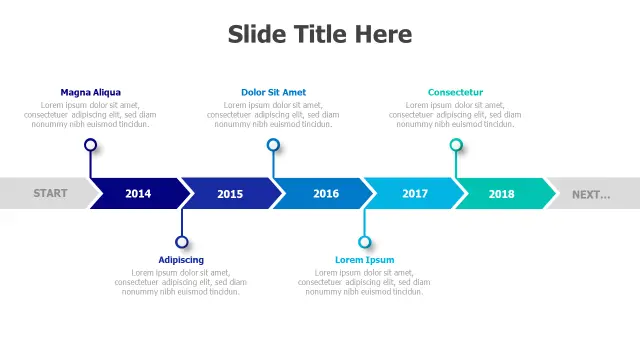
5-Year Arrow Timeline Roadmap Infographic
Free PowerPoint + Google Slides 328+ downloads

Five connected chevron segments spanning a clearly labeled year range make this the go-to for multi-year business roadmaps presented to investors or senior leadership. Each segment includes a title field and a description block, so you can pack genuine detail without breaking the layout.

It's a stronger choice than a plain bar chart when the story is about strategic direction over time rather than numerical performance. Swap the placeholder years in the text boxes — no special tools needed, just a double-click on any shape.

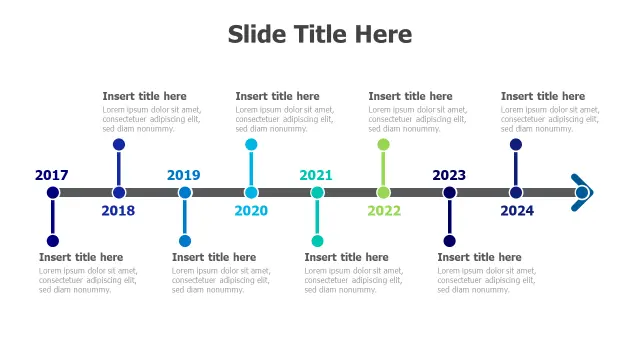
8-Year Milestone Timeline Roadmap
Free PowerPoint + Google Slides 267+ downloads

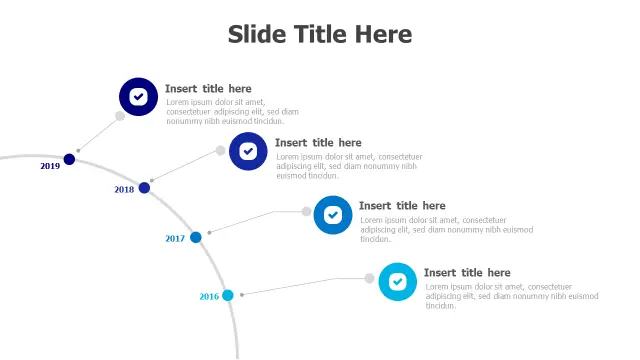
Eight years is a long span, and the alternating above-and-below label arrangement here solves the crowding problem that kills most long-horizon timeline slides. Colored dots act as clean anchor points on the central axis, keeping the eye moving without visual clutter.

Project managers doing retrospective reviews or business strategists presenting a decade roadmap will find the layout scales naturally — remove or duplicate dot-and-label groups through standard copy-paste on the slide canvas.

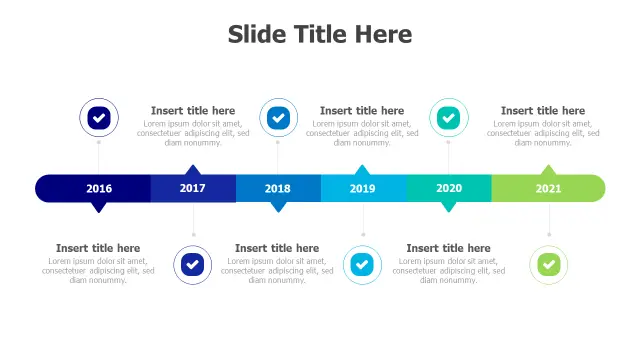
Six Year Milestone Timeline Infographic
Free PowerPoint + Google Slides 254+ downloads

Six milestones with checkmark icons gives this horizontal template a sense of accomplishment built right into the visual language — each marker reads as a completed gate, not just a date. The gradient color progression from cooler to warmer tones subtly reinforces forward movement.

Use it for product development phase reviews or consulting deliverable trackers where stakeholders need to see what's done and what's next in one glance. Clean enough for executive decks, detailed enough for working sessions.

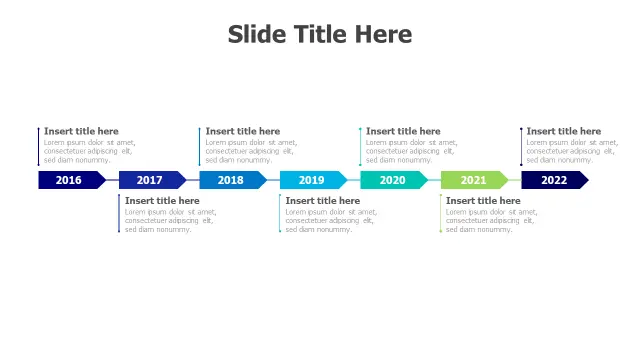
Seven Year Arrow Timeline Infographic
Free PowerPoint + Google Slides 241+ downloads

Seven consecutive years rendered as connected arrow shapes creates a clear sense of momentum — each arrow physically points into the next. The navy-to-light-green gradient across all seven segments works as a built-in progress indicator even before the presenter speaks.

This template suits business roadmaps where every year represents a distinct strategic phase rather than just a date marker. The dedicated title and description zones inside each arrow keep content self-contained, which helps when presenting without a live speaker.

Five Year Milestone Checkmark Timeline
Free PowerPoint + Google Slides 186+ downloads

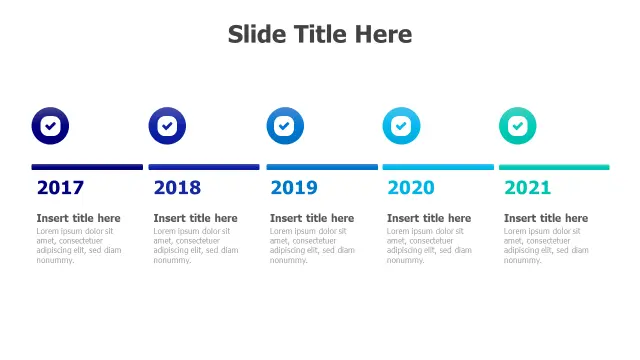
Colorful checkmark icons per year make this template well-suited for annual report summaries or project post-mortem slides where the visual emphasis should be on achievements rather than ongoing process. Five years fits comfortably on a 16:9 slide without shrinking the text.

It's a simpler pick than the curved or chevron variants — ideal when the audience is non-technical and you want the dates and accomplishments to speak for themselves without a complex layout competing for attention.

4-Year Milestone Timeline Zigzag Layout
Free PowerPoint + Google Slides 176+ downloads

The zigzag layout gives four milestones a physical sense of journey and terrain — useful when you want to convey that the path involved turns and decisions, not just linear progression. Checkmark icons and expandable text areas let each milestone carry a meaningful summary.

Consultants presenting phased transformation projects often reach for zigzag timelines because the visual metaphor matches the narrative of navigating complexity. Four stages is its sweet spot; pushing it to five would crowd the layout noticeably.

15-Step Process Timeline Roadmap Template
Free PowerPoint + Google Slides 153+ downloads

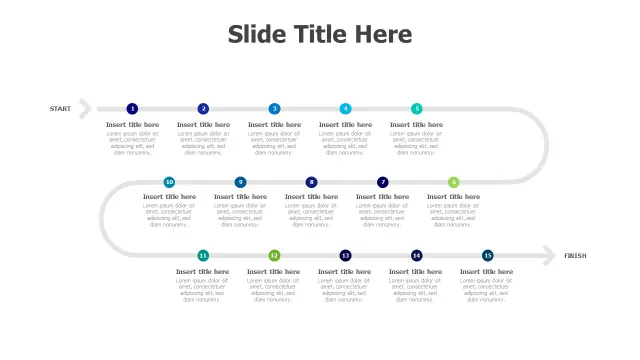
Fifteen numbered milestones on a curved roadmap path is ambitious, and this template manages it by keeping individual labels compact and relying on the START-to-FINISH framing to supply the narrative arc. Each point is small enough to show the full project scope without requiring the presenter to explain every node in detail.

Project managers handling complex, multi-phase implementations — software rollouts, construction timelines, regulatory processes — will find this the most appropriate choice when a shorter template would simply omit too many critical stages.

Frequently Asked Questions

What is a timeline template in PowerPoint?

A timeline template is a pre-built slide layout with shapes, connectors, and placeholder text arranged to display events or milestones in chronological order. You edit the labels and dates directly on the slide without building the visual structure from scratch.

How do I edit the years on a PowerPoint timeline template?

Double-click any text box or shape containing a year label to enter editing mode, then type your date. Most timeline templates use standard PowerPoint text boxes or shape labels — no macros or add-ins required.

Which timeline layout works best for a 5-year business roadmap?

Horizontal chevron arrow timelines work well for five-year roadmaps because each segment visually represents a distinct phase. Curved S-path layouts are a strong alternative when you want a more dynamic, visual presentation style.

Can I add or remove milestones from these timeline templates?

Yes. Select an existing milestone shape, copy it, paste it onto the slide, and reposition it along the path. To remove one, click the shape and press Delete. Grouping and alignment guides in the Format tab help keep everything evenly spaced.

What's the difference between a roadmap and a timeline template in PowerPoint?

A timeline shows chronological events against actual dates. A roadmap emphasizes planned stages and strategic direction, often without fixed dates. In practice many PowerPoint templates blend both, using date labels on a path-style layout.

Looking for more Timeline templates?

Browse the full library of Timeline PowerPoint and Google Slides templates — fully editable, free to download.

Browse all Timeline templates