Top 10 · Pyramid

Top 10 Pyramid PowerPoint Templates with Examples (2026)

Pyramid PowerPoint templates are the go-to slide format when you need to show hierarchy, priority ranking, or a staged process where each level builds on the one below. From Maslow's hierarchy to corporate org structures and six-sigma frameworks, the pyramid diagram communicates layered relationships faster than any bullet list or table ever could.

This list covers the 10 most downloaded pyramid templates on PPT-Design, spanning 3-level to 7-level designs, classic triangular builds, hexagonal variants, and arrow-shaped process flows. Whether you're a consultant mapping business priorities or a trainer visualizing a learning pathway, there's a specific layout here that fits your data better than a generic shape.

When choosing, pay attention to the number of tiers your content actually needs — forcing five talking points into a three-level pyramid, or padding a three-step process into six levels, weakens the visual argument. Also check whether the template leans toward hierarchy (top tier = most important) or process (bottom tier = foundation step), since the two conventions read differently to audiences.

Free download Fully editable PowerPoint + Google Slides
1 2 3 4 5 6 7 8 9 10
Six Level Gradient Pyramid Hierarchy
Free PowerPoint + Google Slides 5,082+ downloads

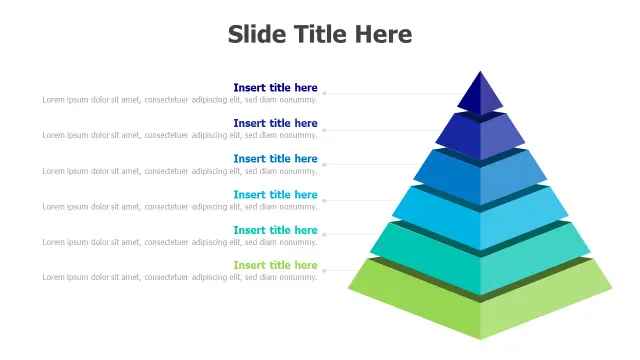
Six tiers give you room to map genuinely complex hierarchies — corporate reporting lines with six management layers, Bloom's Taxonomy, or a six-phase project lifecycle — without cramming text. The blue-to-green gradient creates clear visual separation between levels so audiences track movement from base to apex instantly.

Pick this one when your hierarchy has six discrete, non-negotiable levels. If you find yourself merging tiers to fit the layout, step down to the four- or five-level options instead.
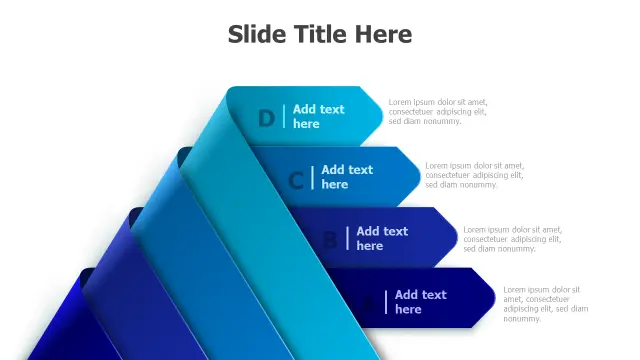
4-Level Gradient Pyramid Infographic Template
Free PowerPoint + Google Slides 1,017+ downloads

Four levels hit the sweet spot for most business presentations: enough granularity to show structure, simple enough to read from the back of a conference room. The A–D labeling system makes it easy to cross-reference slide commentary without cluttering the graphic itself.

Strong choice for organizational structures, sales funnel stages, or any framework that naturally splits into four phases — think Plan, Build, Launch, Optimize.

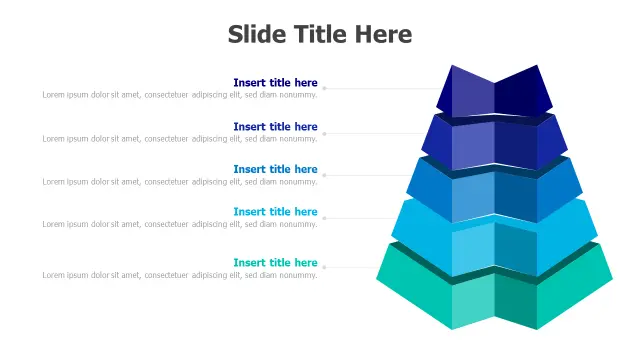
Five Level 3D Hexagonal Pyramid
Free PowerPoint + Google Slides 189+ downloads

The hexagonal geometry sets this apart from standard triangular pyramids. Hexagonal facets give each tier a three-dimensional honeycomb feel that works particularly well in tech, engineering, or innovation-themed decks where a standard pyramid might look too corporate or dated.

Use this when the aesthetic of the presentation matters as much as the data — keynotes, investor pitches, or product launch slides where visual memorability is part of the brief.

4-Step Process Pyramid Arrow Layout
Free PowerPoint + Google Slides

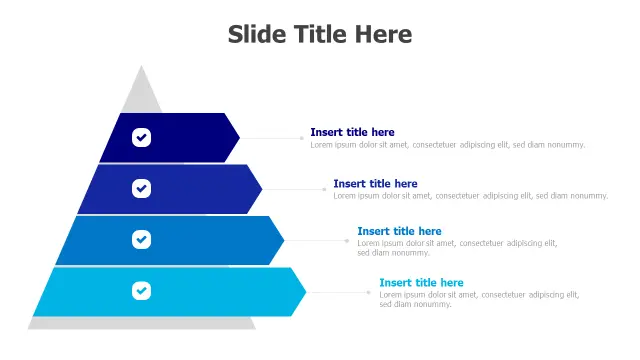
Arrow-shaped sections shift the reading direction from vertical hierarchy to horizontal process flow, even though the overall shape stays triangular. The checkmark icons reinforce a completion or achievement narrative, making this ideal for project milestone slides or onboarding checklists with four stages.

Choose this over a standard pyramid when your content is sequential rather than strictly hierarchical — the arrows signal movement through steps, not just levels of importance.

3-Step Process Arrow Pyramid Infographic
Free PowerPoint + Google Slides

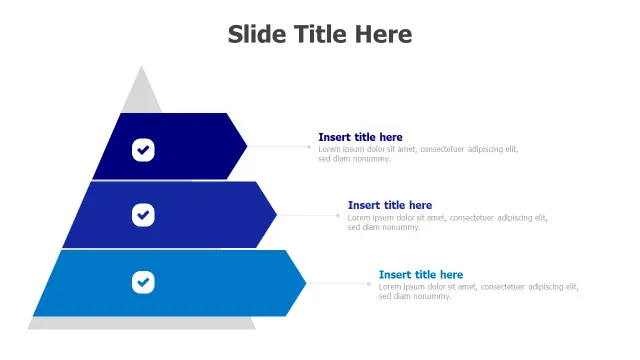
Three steps is the minimum viable pyramid, and that constraint is a feature, not a limitation. It forces you to distill a process to its essentials — Awareness, Consideration, Decision; or Discover, Design, Deliver — which tends to produce sharper, more memorable slides.

Best deployed on executive summary slides or section-opener layouts where you want to preview a three-part structure before diving into detail on subsequent slides.

Five Level Pyramid Process Arrows
Free PowerPoint + Google Slides

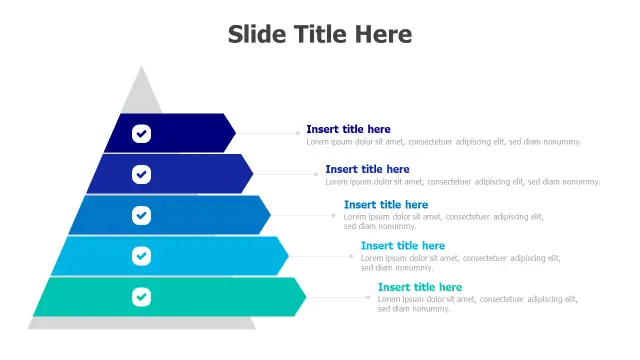
Five arrow-shaped levels combine the process-flow readability of the arrow format with enough tiers to map a moderately complex workflow — five DMAIC phases, five Agile ceremonies, five stages of customer onboarding. The gradient blue-to-teal palette keeps it cohesive as levels multiply.

If you're already using the four-step arrow version (template 1914) elsewhere in the same deck, this five-level sibling maintains visual consistency when a section needs one extra tier.

3-Level Hierarchy 3D Pyramid Infographic
Free PowerPoint + Google Slides

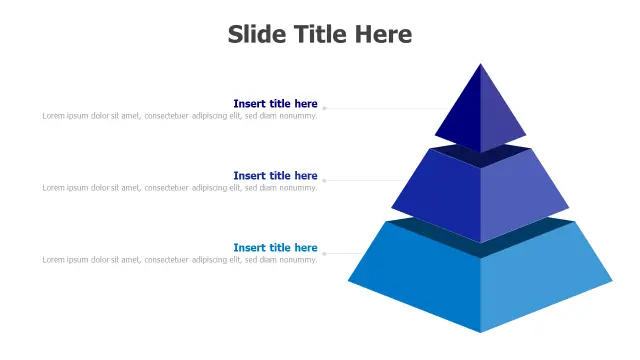
A three-level 3D pyramid in a clean blue gradient is one of the most versatile single slides you can have in a deck. It handles priority frameworks (High / Medium / Low), business model layers, or simple org-chart snapshots without overwhelming the viewer.

Useful as a recurring anchor slide when you're presenting a framework across multiple sections — introduce it with all three levels labeled, then return to it between sections with the relevant tier highlighted.

Seven Level 3D Pyramid Hierarchy
Free PowerPoint + Google Slides

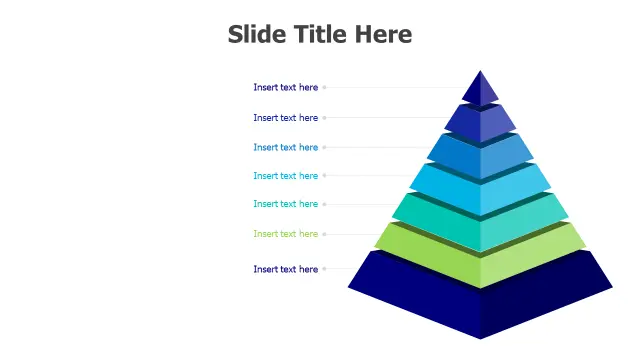
Seven levels is the maximum before a pyramid diagram risks becoming unreadable on a standard 16:9 slide. This template earns its place for specific use cases: Maslow's seven-level hierarchy of needs, ISO process models, or detailed organizational charts where every layer is genuinely distinct.

Test it at your actual projection size before committing — if the bottom-tier text drops below 12pt equivalent, consider combining the least-critical levels or switching to a table layout for that section.

Five Level 3D Pyramid Hierarchy Infographic
Free PowerPoint + Google Slides

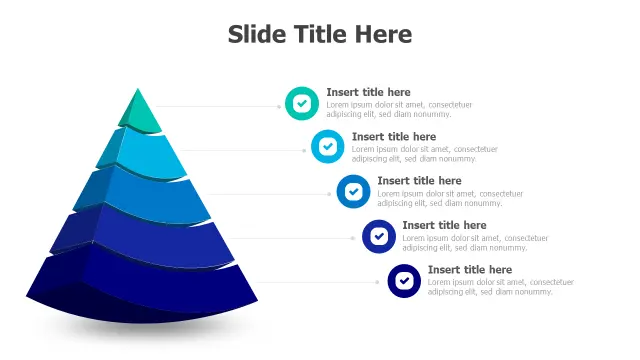
The circular checkmark icons beside each tier add a task-completion or milestone-achieved read to a standard five-level pyramid, making it useful for progress review slides — quarterly business reviews, sprint retrospectives, or certification program overviews where each level represents something earned.

The icon treatment also helps audiences with lower data literacy parse the hierarchy faster than text labels alone, so it works well in mixed-audience presentations.

5-Level Gradient Pyramid Hierarchy Infographic
Free PowerPoint + Google Slides

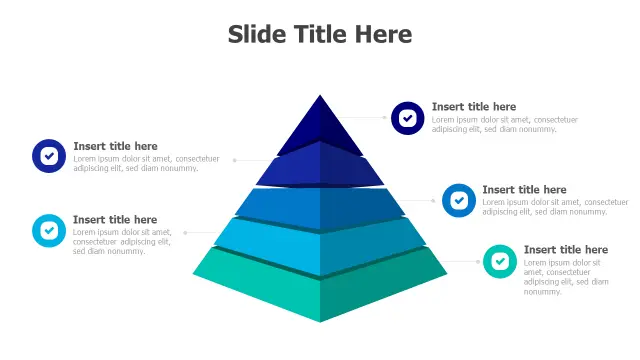
This five-tier gradient pyramid with checkmark icons targets consultants and project managers who need a polished deliverable-ready slide rather than a heavily customized graphic. The gradient layers and iconography are production-ready; you're editing placeholder text, not rebuilding the design from scratch in the ribbon.

It sits at the top of the priority-framework use case — Revenue, Growth, Efficiency, Risk, Compliance, for example — where five layers map naturally to a strategic scorecard.

Frequently Asked Questions

What is a pyramid diagram used for in PowerPoint?

Pyramid diagrams show hierarchical relationships, priority rankings, or staged processes where each level depends on those below it. Common uses include org charts, Maslow's hierarchy, sales funnels, and phased project plans.

How do I edit a pyramid template in PowerPoint?

Most pyramid templates use grouped shapes or SmartArt. Click into a tier, select the text placeholder, and type your content. To recolor a level, right-click the shape and use Format Shape from the context menu — no need to rebuild the graphic.

How many levels should a pyramid diagram have?

Three to five levels work best for most slides. Six or seven levels are readable but require careful font sizing. Beyond seven, consider a table or a hierarchical list instead — the pyramid shape loses its visual clarity.

What's the difference between a pyramid hierarchy and a pyramid process template?

Hierarchy pyramids use the apex to represent the highest-priority or most senior element. Process pyramids — often built with arrow-shaped tiers — read bottom-to-top as sequential steps, where the base is the starting point, not the least important element.

Can I animate pyramid slides in PowerPoint?

Yes. Apply the Wipe or Fly In entrance animation to each tier individually via the Animation Pane, then use the After Previous trigger with a short delay so levels build from base to apex. This works well for revealing hierarchy or process stages one step at a time.

Looking for more Pyramid templates?

Browse the full library of Pyramid PowerPoint and Google Slides templates — fully editable, free to download.

Browse all Pyramid templates