Top 10 · Funnel

Top 10 Funnel PowerPoint Templates with Examples (2026)

Funnel PowerPoint templates are the fastest way to communicate conversion stages, sales pipelines, and filtering processes without building diagrams from scratch inside PowerPoint's Insert > SmartArt menu. A well-structured funnel slide immediately tells your audience where prospects enter, where they drop off, and what the end goal looks like — all in a single visual.

This list covers the 10 most-downloaded funnel templates on PPT-Design, ranging from compact 3-stage horizontal layouts to detailed 5-stage 3D diagrams with human-figure icons. Whether you're presenting a B2B sales process, a marketing attribution model, or a product qualification workflow, there's a slide here that fits without requiring heavy reformatting.

When picking a funnel template, check three things: stage count (match it to your actual process steps), orientation (vertical funnels suit top-of-slide storytelling; horizontal ones work better on wide 16:9 layouts with side annotations), and whether the text placeholders sit inside or outside the funnel shape — outside text boxes are far easier to edit in the Normal view without nudging grouped objects.

Free download Fully editable PowerPoint + Google Slides
1 2 3 4 5 6 7 8 9 10
Customer Journey 4-Stage Conversion Funnel
Free PowerPoint + Google Slides 318+ downloads

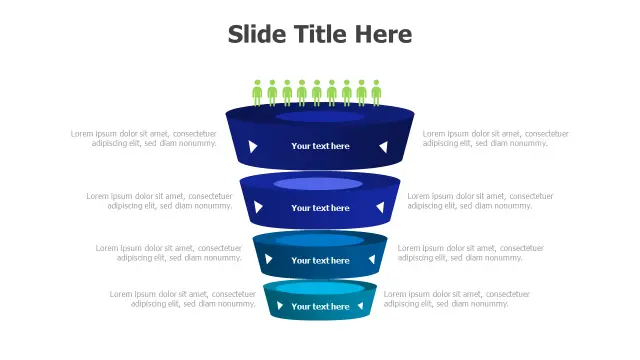
Pick this one when your presentation needs to show a human-centered conversion story. The green human-figure icons at the top tier immediately signal 'these are real prospects,' which lands well in sales kickoffs and marketing strategy reviews where audiences want to see customer volume shrinking through qualification stages.

Each of the four funnel levels ships with a dedicated text area outside the funnel body, so you can drop in conversion percentages or stage labels without ungrouping the 3D shape. Solid choice for CRM pipeline reviews or demand-generation decks.
Journey to Target 3D Funnel Pathway
Free PowerPoint + Google Slides 199+ downloads

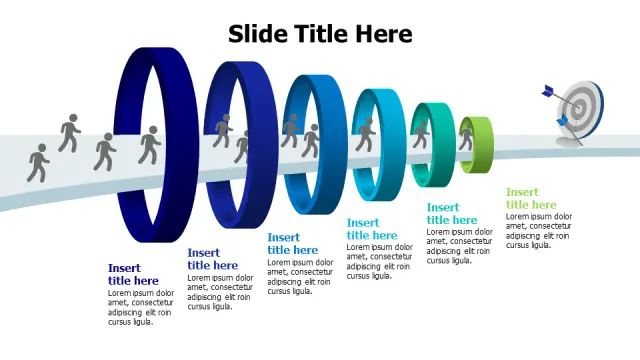
The six graduated cylindrical stages make this template stand out from standard tapered funnels — it reads more like a progression pathway than a filtering drop-off, which suits project roadmaps and OKR planning sessions better than pure sales contexts.

The blue-to-green gradient across stages creates a natural visual momentum from start to finish. Use it when you need to show a journey with milestones rather than a narrowing attrition funnel; the cylindrical shape implies each stage has equal structural weight.

4-Stage Bubble Funnel Filtering Process
Free PowerPoint + Google Slides 120+ downloads

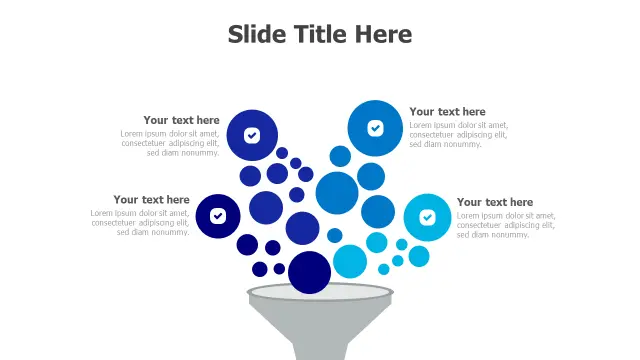
The cascading bubble design is the right call when a standard tapered funnel feels too generic for your deck. Bubbles flowing into a 3D funnel shape work exceptionally well for decision-tree filtering, quality-control workflows, or any process where inputs are clearly discrete items being screened.

Checkmark icons on each stage reinforce a 'pass/fail' filtering narrative. If your audience includes operations or product teams used to seeing process diagrams, this template will feel more precise than a plain pyramid.

3-Stage Sales Funnel Conversion Process
Free PowerPoint + Google Slides 114+ downloads

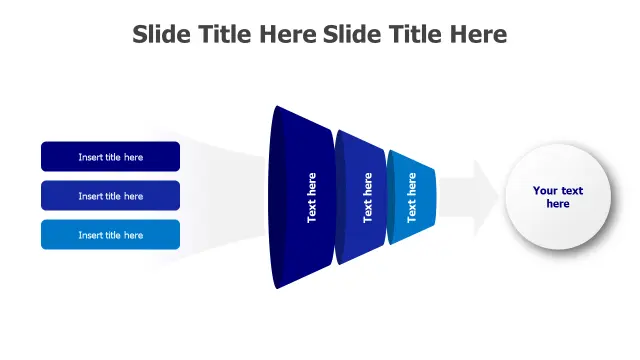
Horizontal funnel layouts solve a specific slide-design problem: you need to show left-to-right flow alongside data callouts without the layout fighting your annotations. This 3-stage version is deliberately minimal — lead generation, qualification, conversion — which keeps the slide from getting cluttered when you add actual metrics.

Three stages also means less text per section, making it readable from the back of a conference room. Best fit for executive summaries or investor decks where brevity matters more than granularity.

5-Stage Gradient Funnel Process Diagram
Free PowerPoint + Google Slides 108+ downloads

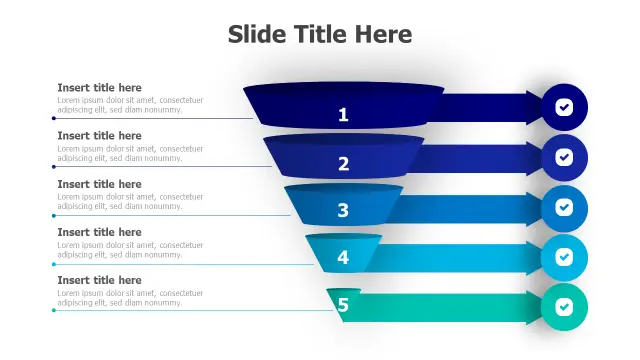
Five stages in a cascading 3D layout gives this template enough depth for detailed sales-pipeline reviews without overwhelming a single slide. The blue-to-teal gradient and checkmark icons provide immediate visual hierarchy — viewers instantly understand which stage is broadest and which is most qualified.

Use this when your process genuinely has five distinct gates, such as Awareness → Interest → Consideration → Intent → Purchase. Forcing a 5-stage template onto a 3-step process creates awkward blank placeholders, so stage-count alignment matters here.

Four Stage Sales Funnel Diagram
Free PowerPoint + Google Slides

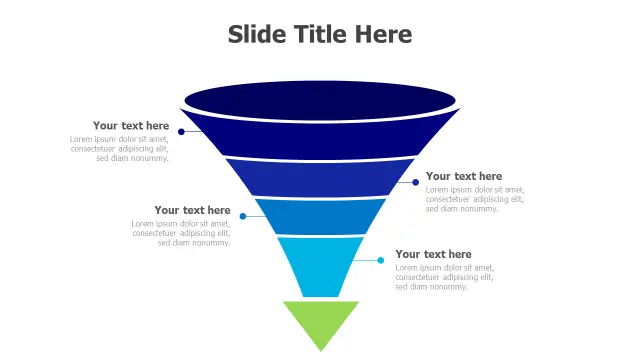
An inverted pyramid is technically a funnel variant but reads differently from a tapered tube — it implies structured layers of decreasing scope rather than a flowing pipeline. This color-coded dark-blue-to-green version suits lead qualification frameworks, market segmentation slides, or priority matrices where each tier represents a subset of the one above.

Sales managers presenting territory plans or marketing teams showing audience segmentation will find the bold color banding easier to reference during Q&A than a single-color gradient design.

4-Stage Conversion Funnel Infographic
Free PowerPoint + Google Slides

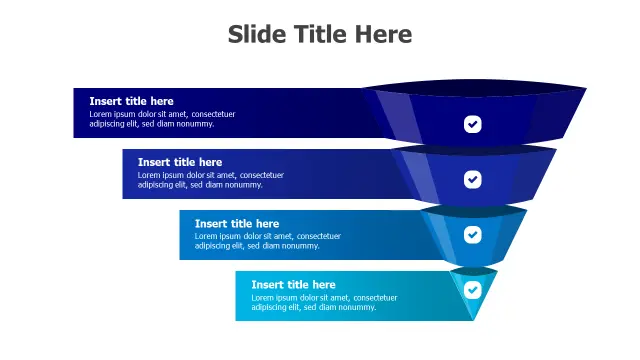
If you need a clean, no-frills 4-stage funnel that drops into an existing branded deck without visual conflict, this gradient blue-to-teal design is the safest pick. The checkmark icons add light structure without dominating the slide, and the color palette is neutral enough to survive most corporate theme overrides via the Design > Variants panel.

Consultants building client-facing conversion audits or marketers preparing campaign-performance reviews will appreciate how quickly the text sections update — placeholder boxes are outside the funnel shape and independently selectable.

Sales Conversion Funnel Process Diagram
Free PowerPoint + Google Slides

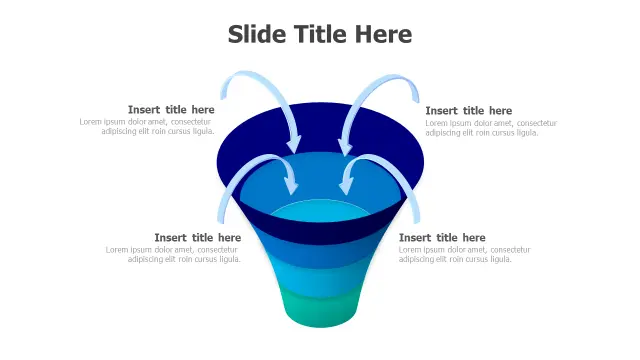
Four input streams merging into a single funnel is a layout you rarely see in standard templates, and it's the right choice when your process has multiple parallel lead sources — think paid search, organic, referral, and direct — all feeding one conversion pipeline.

The multi-stream entry point makes attribution storytelling far clearer than a single-entry funnel. Use this for digital marketing performance reviews, multi-channel campaign decks, or any presentation where the source of leads is as important as the conversion outcome.

Customer Journey 5-Stage Funnel Diagram
Free PowerPoint + Google Slides

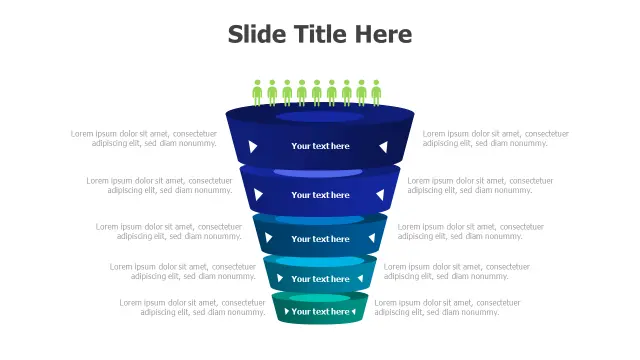
Five stages with human figures at the top is the go-to combination when you need to show both audience volume and journey depth in one slide. The figures make it immediately clear you're talking about real people progressing through a buying or onboarding process, not abstract data points.

The expandable text areas at each descending level let you annotate drop-off reasons, stage durations, or owner assignments — useful for customer-success teams running QBRs or product marketers mapping activation funnels.

5-Stage Gradient Funnel Checklist Infographic
Free PowerPoint + Google Slides

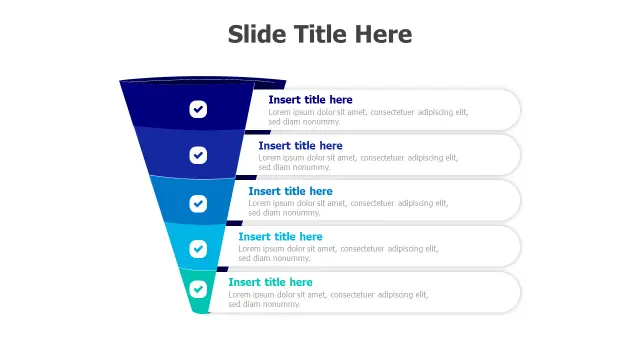
This template works best as a process checklist that happens to be shaped like a funnel, rather than a strict conversion-rate visualization. The checkmark icons and expandable text boxes at all five levels make it easy to list the criteria or actions required at each stage.

Think onboarding checklists, compliance review steps, or phased project approval workflows. The blue-to-teal gradient maintains visual hierarchy so audiences know which stage is broadest in scope, even when all five boxes carry roughly equal amounts of text.

Frequently Asked Questions

What is a funnel template in PowerPoint?

A funnel template is a pre-built slide layout that uses a tapered or layered shape to show a multi-stage process where volume or scope decreases at each step — commonly used for sales pipelines, conversion flows, and lead qualification models.

How do I edit a funnel diagram in PowerPoint?

Most funnel templates use grouped shapes. Double-click to enter the group, then select individual segments to recolor via Shape Format > Shape Fill. Text placeholders outside the funnel body can be edited directly in Normal view without ungrouping.

What's the difference between a funnel and an inverted pyramid in PowerPoint?

A funnel implies flow and attrition — items enter at the top and fewer exit at the bottom. An inverted pyramid shows static hierarchical layers with no implied movement, better suited to segmentation or priority frameworks than process flows.

How many stages should a sales funnel slide have?

Match the template stage count to your actual process. Three stages work for executive summaries; four suits most B2B pipelines; five covers detailed customer-journey or product-activation flows. Avoid leaving empty placeholder stages on the final slide.

Can I use a funnel PowerPoint template for non-sales presentations?

Yes. Funnel shapes work for any filtering or narrowing process — hiring pipelines, compliance checklists, product prioritization, or data-processing workflows. Choose a template whose stage labels and icon style fit the context, not just the shape.

Looking for more Funnel templates?

Browse the full library of Funnel PowerPoint and Google Slides templates — fully editable, free to download.

Browse all Funnel templates