Top 10 · 3D

Top 10 3D PowerPoint Templates with Examples (2026)

3D PowerPoint templates give flat data a sense of weight and structure that flat shapes simply can't match. Whether you're mapping out a six-tier org chart, walking stakeholders through a conversion funnel, or visualizing a cyclical workflow, a well-built 3D slide makes the logic of your content immediately obvious — no legend required.

This list covers the 10 most-downloaded 3D templates on PPT-Design, spanning pyramids, staircases, chevron arrows, gear cycles, donut charts, and more. Each one ships as an editable PPTX, so you can swap colors, relabel placeholders, and resize shapes directly on the slide canvas without rebuilding anything from scratch.

When choosing, match the shape to your content logic: pyramids and staircases suit ranked or sequential data, cycles and gears fit continuous processes, funnels work for conversion or filtering scenarios, and chain or hexagon layouts are best for showing interdependence between two to four equal concepts.

Free download Fully editable PowerPoint + Google Slides
1 2 3 4 5 6 7 8 9 10
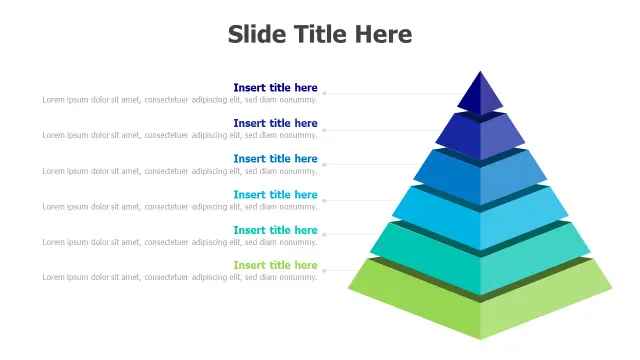
Six Level Gradient Pyramid Hierarchy
Free PowerPoint + Google Slides 5,090+ downloads

Pick this template when your content has a clear top-to-bottom priority order — executive tiers, maturity models, or Maslow-style frameworks all map naturally onto its six gradient levels. The blue-to-green color shift gives each tier a visually distinct identity without you having to manually recolor anything.

Each level ships with a title placeholder and a description text box, so you can populate it directly in Normal view without touching the slide master. Six tiers is more than most pyramid templates offer, making it the go-to when four levels just aren't enough.
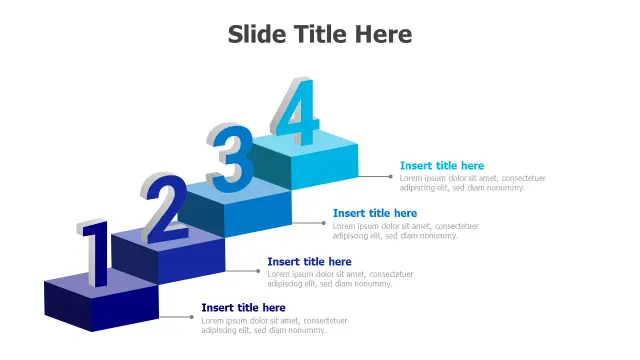
4-Step 3D Staircase Block Infographic
Free PowerPoint + Google Slides 1,106+ downloads

The ascending staircase format is the clearest visual metaphor for progress, and this four-step version keeps the block count tight enough that each step gets real reading space. Use it for project phase breakdowns, onboarding milestones, or any process where order and momentum matter to the audience.

The numbered blocks mean you don't need to add sequence indicators yourself — the design handles it. Gradient blue tones read well on both projected screens and exported PDFs.

4-Level Gradient Pyramid Infographic Template
Free PowerPoint + Google Slides 1,021+ downloads

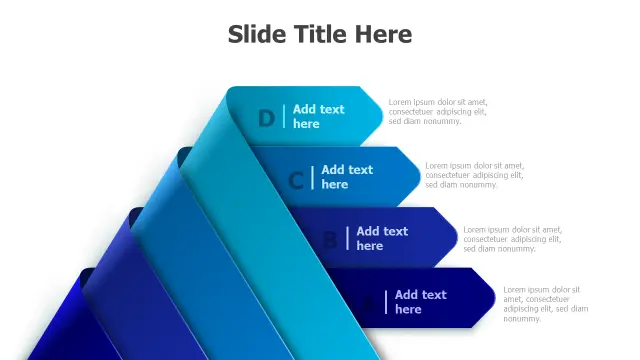
Where the six-level pyramid suits deep hierarchies, this four-level version is the better pick when your content has exactly four stages — AIDA models, strategic priority stacks, or four-phase implementation plans. The A–D labels on each tier double as quick reference anchors during a live presentation.

The blue gradient keeps it professional without feeling generic. Editable text placeholders on every level mean you can adapt it to a new deck in under five minutes.

4-Stage Process Gear Cycle Infographic
Free PowerPoint + Google Slides 669+ downloads

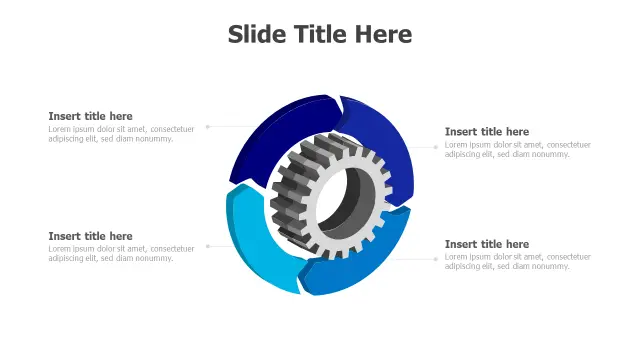
The central 3D gear surrounded by four curved arrow segments makes the cyclical, interlocking nature of a process immediately obvious — ideal for continuous improvement loops like PDCA, operational workflows, or recurring quarterly processes. The arrows visually suggest rotation, so audiences grasp the 'cycle' concept before reading a word.

Customize each of the four segments with a stage label and short descriptor. The blue gradient palette keeps all four sections visually equal, which is exactly right when no single stage should outrank the others.

Five Step 3D Stacked Banner Infographic
Free PowerPoint + Google Slides 586+ downloads

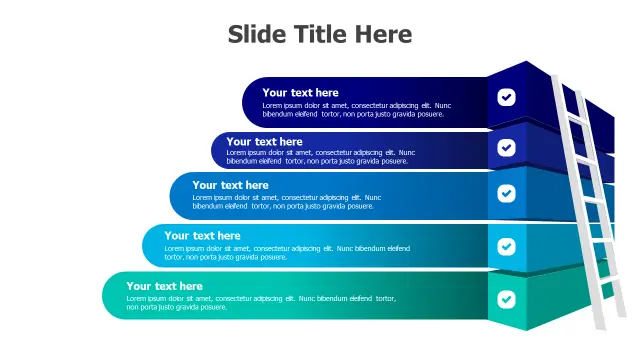
Five stacked banners with built-in checkmark icons make this the natural choice for feature lists, achievement summaries, or any five-point checklist that needs more visual interest than a bullet list. The layered 3D depth separates each item clearly without using dividing lines.

The gradient blue-to-teal progression gives a sense of build as you move down the stack — useful when presenting cumulative benefits or steps that compound on each other.

5-Step 3D Chevron Arrow Process
Free PowerPoint + Google Slides 380+ downloads

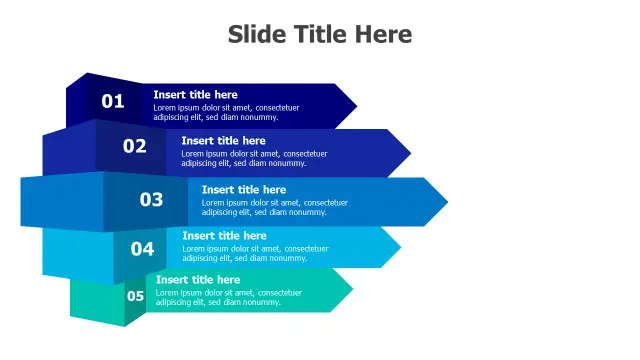
Chevron arrows are the standard visual shorthand for linear processes in business decks, and the 3D rendering here adds enough depth to distinguish this from the flat chevron shapes in PowerPoint's built-in Insert → SmartArt menu. Five interconnected segments suit project roadmaps, sales pipeline stages, or go-to-market phase flows.

The cascading blue-to-teal gradient subtly reinforces left-to-right directionality. Each arrow segment has its own title and detail placeholder, so speaker notes stay off the slide.

3-Section Donut Chart Infographic
Free PowerPoint + Google Slides 340+ downloads

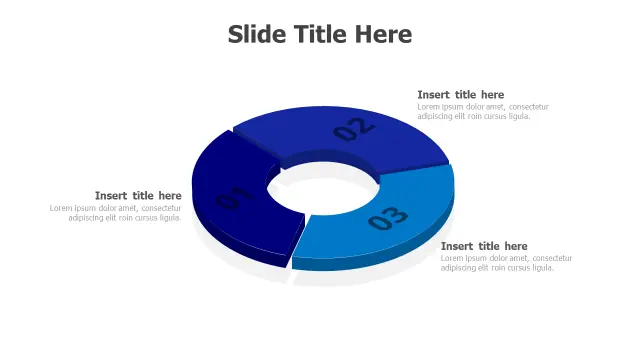
Use this when you have exactly three proportional data categories — market share splits, budget allocations, or survey breakdowns — and want something more visually engaging than a standard pie chart inserted via the Insert → Chart ribbon path. The 3D donut form gives the chart physical presence on the slide.

Three sections keep the chart readable at a glance; more slices would require a legend. The blue gradient palette keeps it neutral enough to fit most corporate decks.

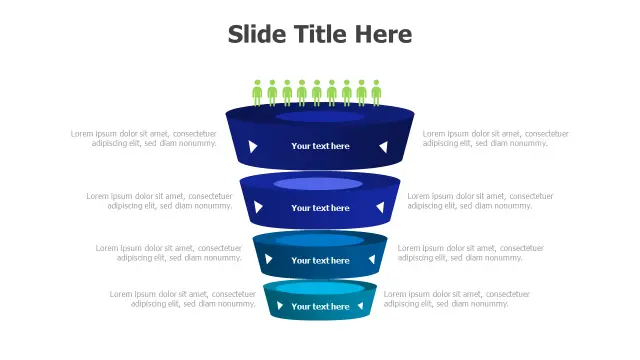
Customer Journey 4-Stage Conversion Funnel
Free PowerPoint + Google Slides 324+ downloads

Funnel templates earn their place in sales and marketing presentations because the narrowing shape physically represents prospect drop-off — no explanation needed. The green human icons at the top tier reinforce the 'people entering the funnel' concept, which is particularly effective in conversion rate or CRM strategy decks.

Four stages cover the classic Awareness–Interest–Decision–Action arc without overcrowding the slide. Each level's text area gives you room for a conversion metric alongside the stage label.

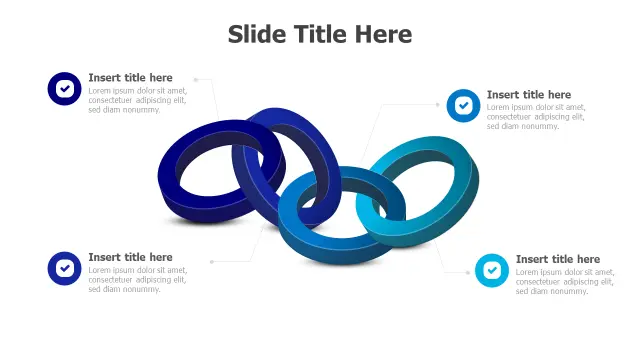
Four Link Chain Connection 3D Infographic
Free PowerPoint + Google Slides 317+ downloads

Chain link layouts work best when your four concepts are genuinely interdependent — supply chain stages, cross-department dependencies, or integration partnerships where breaking one link visibly breaks the whole. The 3D oval rings make that interdependence tangible in a way that a simple arrow flow does not.

Checkmark icons in each link text area suggest completion or validation, making this a solid fit for compliance workflows or vendor qualification processes. The blue-to-teal gradient keeps adjacent links visually distinct.

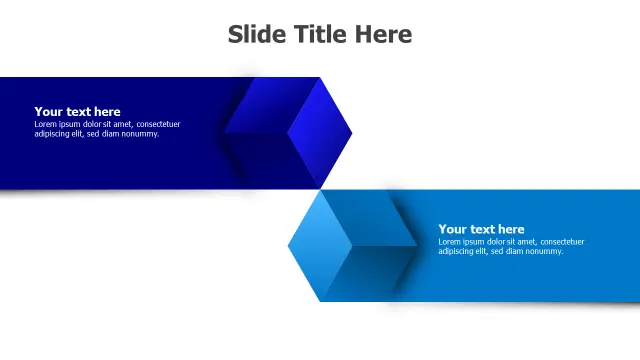
Two Point Hexagonal Arrow Layout
Free PowerPoint + Google Slides 282+ downloads

Two interlocking hexagonal arrows are ideal for before/after comparisons, dual-strategy slides, or any scenario where two concepts push toward each other — competing priorities, cause and effect, or problem versus solution. The 3D geometric form gives it more weight than a simple two-column text layout.

With only two content sections, each placeholder gets generous space, so you can include a headline and two to three supporting points per side without the slide feeling crowded.

Frequently Asked Questions

Are 3D PowerPoint templates compatible with all versions of PowerPoint?

Most 3D templates built with native PowerPoint shapes work in PowerPoint 2016 and later. Morph transitions and some 3D rotation effects require PowerPoint 2019 or Microsoft 365 to render correctly.

Can I change the colors of a 3D PowerPoint template to match my brand?

Yes. Select the shape, go to Shape Format → Shape Fill, and apply your brand color. For gradient fills, use the Gradient Fill option in the Format Shape pane to adjust stops individually.

What types of data work best with 3D infographic slides?

Hierarchical data suits pyramids, sequential steps suit staircases and chevrons, proportional data suits donut or pie variants, and cyclical processes suit gear or circular arrow layouts.

How do I resize a 3D shape in PowerPoint without distorting it?

Hold Shift while dragging a corner handle to scale proportionally. For grouped 3D shapes, group them first via Arrange → Group, then resize the group as a single object.

Do 3D PowerPoint templates slow down presentations?

Rarely. Native PowerPoint 3D shapes are vector-based and lightweight. Only embedded high-resolution images or complex animations add noticeable file size or playback lag.

Looking for more 3D templates?

Browse the full library of 3D PowerPoint and Google Slides templates — fully editable, free to download.

Browse all 3D templates