Design stunning slides without leaving Google Slides
Access 9,000+ professionally designed templates, brand-match colors, generate QR codes, and insert stock images — all from a single sidebar panel.
Everything you need in one panel
A complete presentation toolkit built right into Google Slides.
9,000+ Templates
Browse and insert professionally designed infographic slides directly into your presentation.
Brand Color Matching
Instantly recolor any template to match your brand palette with a single click.
Smart Search
Find the perfect template by keyword, category, or number of data points.
Advanced Filters
Filter by data points, compatibility, and 45+ unique categories.
100+ Color Palettes
Choose from light and dark palettes to set the perfect mood for your deck.
QR Code Generator
Generate QR codes for any URL and insert them directly into your slides.
Stock Images & GIFs
Search and insert high-quality stock photos and animated GIFs.
Image to Text
Convert images into fully editable text elements inside your slides.
45+ Categories
From timelines to SWOT charts — find the exact layout for every business need.
Up and running in 5 steps
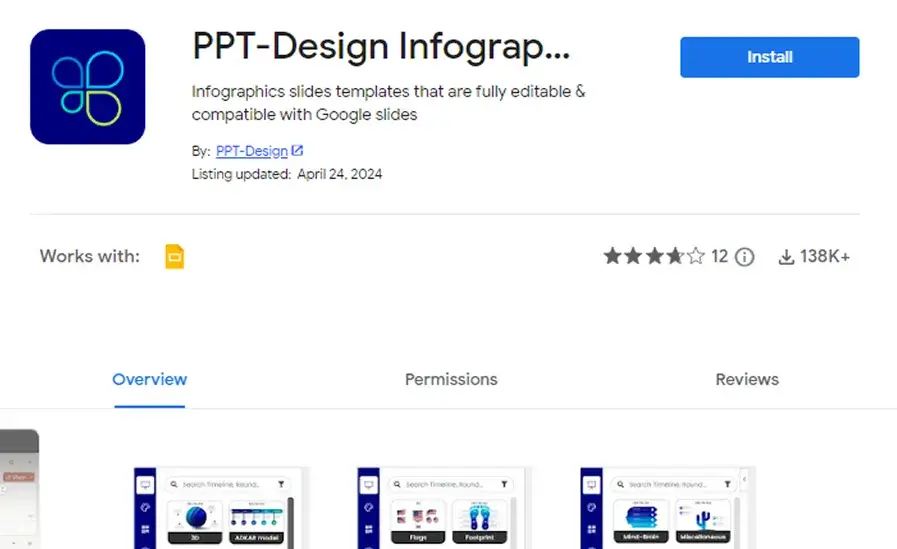
Install from Google Workspace
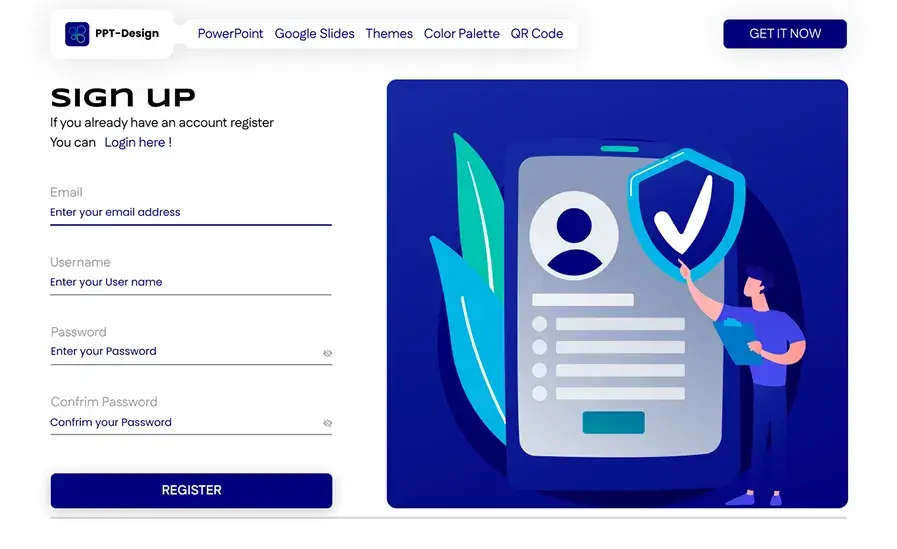
Create your account
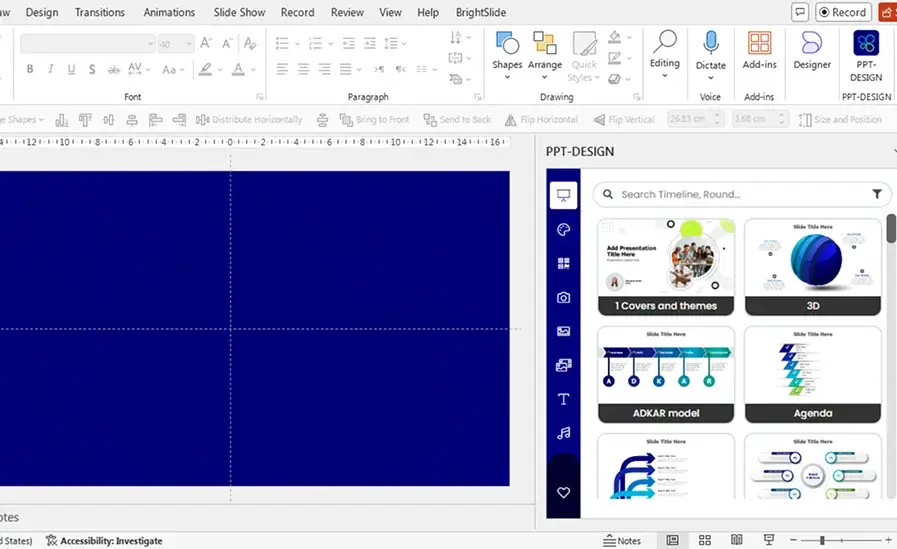
Launch in Google Slides
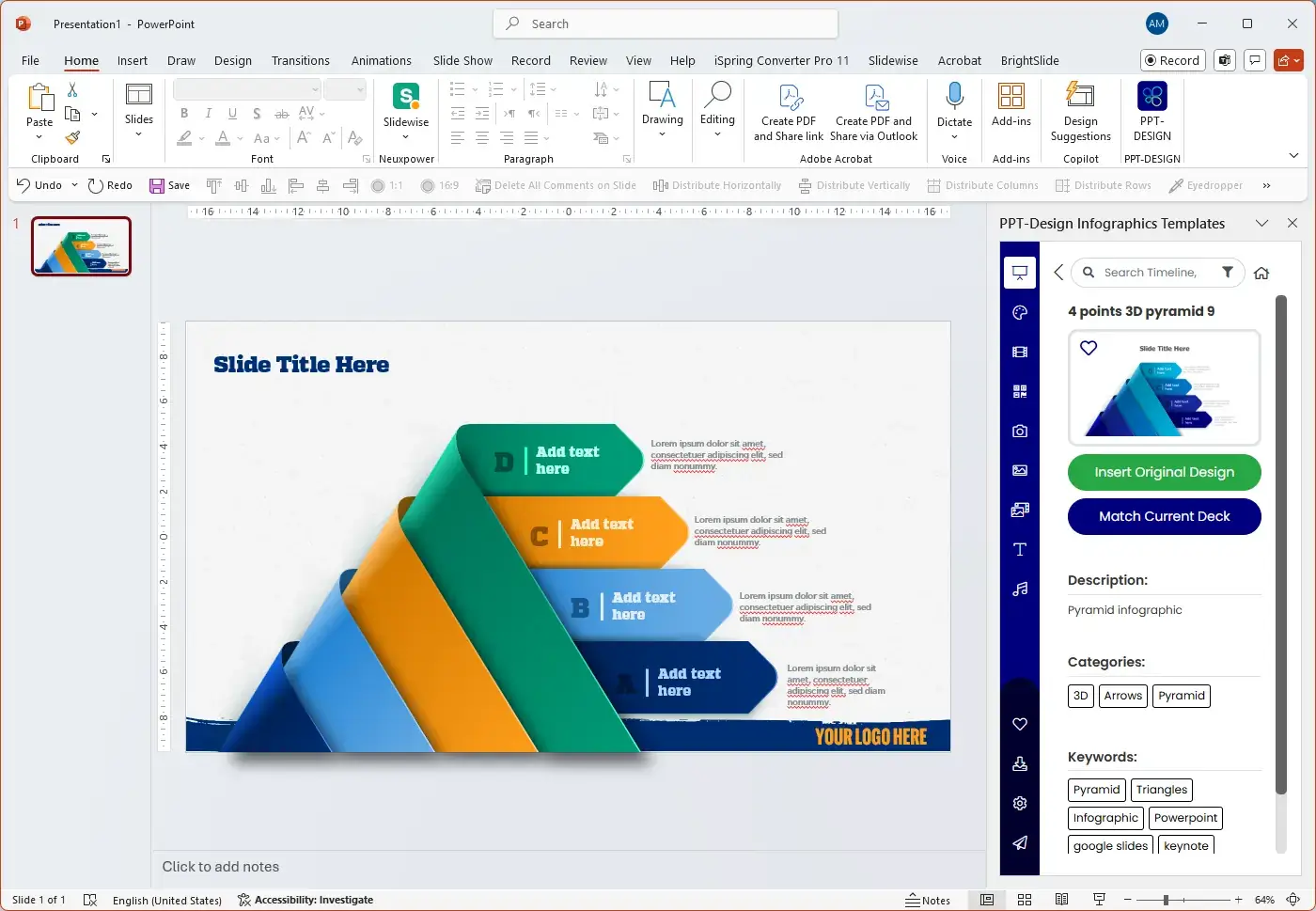
Search templates
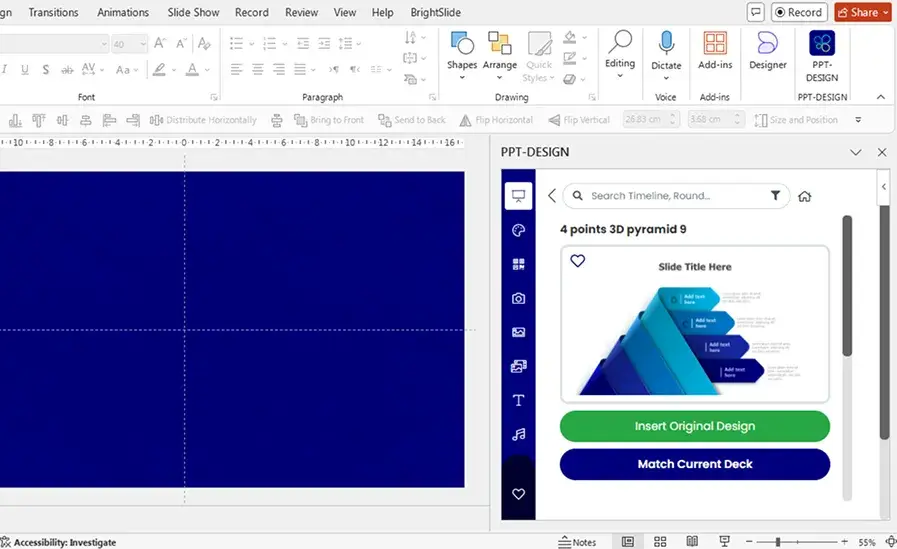
Insert branded slides
Ready to level up your Google Slides?
Join thousands of professionals who create better presentations in less time with PPT Design.