Top 10 · Roadmap

Top 10 Roadmap PowerPoint Templates with Examples (2026)

Roadmap PowerPoint templates give stakeholders a clear, visual sequence of milestones, phases, and strategic goals — without forcing them to decode a wall of bullet points. Whether you're presenting a product launch plan to a boardroom or walking a client through a multi-year initiative, the right roadmap slide turns abstract timelines into a story anyone can follow at a glance.

This list covers the 10 most-downloaded roadmap templates on PPT-Design, ranging from flowing S-curve journey maps and winding road designs to 3D isometric timelines and mountain-peak infographics. They suit project managers, consultants, product teams, and business strategists who need a polished visual fast.

When choosing a roadmap template, consider three things: the number of stages you need to show, whether your narrative is time-based (specific years or quarters) or phase-based (sequential steps), and how much text each milestone requires. A six-point curved path reads differently than a five-year stepped isometric — pick the layout that matches your data density, not just your aesthetic preference.

Free download Fully editable PowerPoint + Google Slides
1 2 3 4 5 6 7 8 9 10
9-Stage Journey Roadmap Infographic Template
Free PowerPoint + Google Slides 587+ downloads

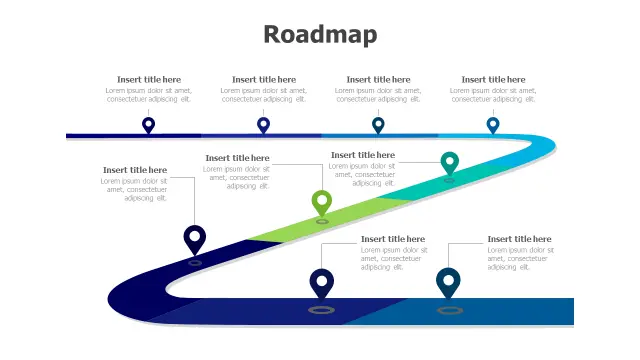
The S-shaped path here earns its top spot because nine stages is a lot to fit on one slide without visual chaos — the flowing curve keeps the eye moving naturally from stage to stage. Location pin markers make each milestone instantly identifiable, and the gradient blue-to-green palette gives it a polished, consulting-deck feel.

Best pick when you need to present a long product development lifecycle or a multi-phase transformation programme in a single, readable slide layout.
4-Step Winding Road Journey Template
Free PowerPoint + Google Slides 345+ downloads

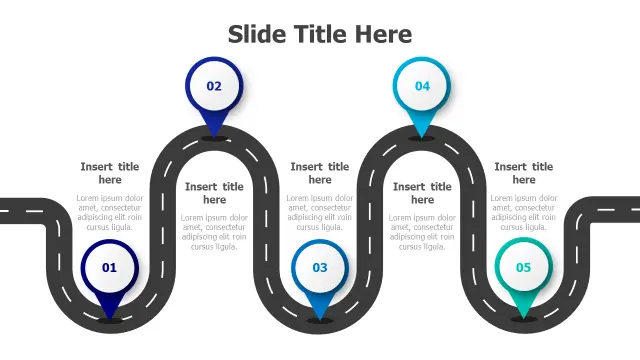
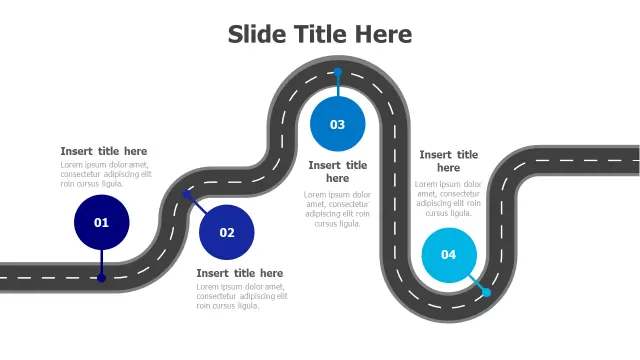
Four milestones, bold numbered circles, and a road graphic with dashed lane markings — this one communicates sequential progress in the clearest possible way. The winding road metaphor resonates strongly in client-facing decks where you want the audience to feel the journey, not just read a list.

Ideal for quarterly roadmaps, four-sprint agile plans, or any process where the ordered steps matter more than exact dates.

5-Year Timeline Winding Road Infographic
Free PowerPoint + Google Slides 284+ downloads

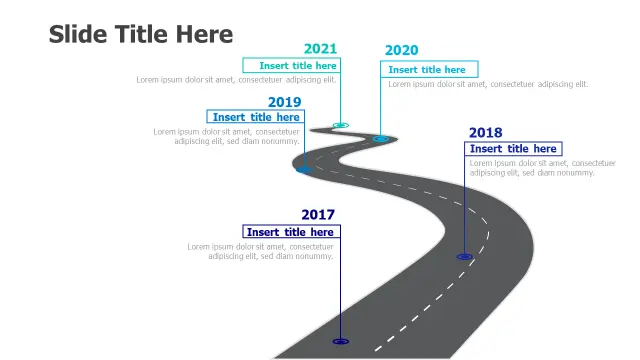
This template locks milestones to specific calendar years (2017–2021), making it the right choice when chronological accuracy is non-negotiable — think annual reports, investor updates, or company-history slides. The winding road visual softens what could otherwise feel like a dry timeline table.

Swap the year labels in the text box placeholders to match your actual planning horizon; the slide layout scales cleanly to any five-year window.

4-Point Target Mountain Roadmap Infographic
Free PowerPoint + Google Slides 221+ downloads

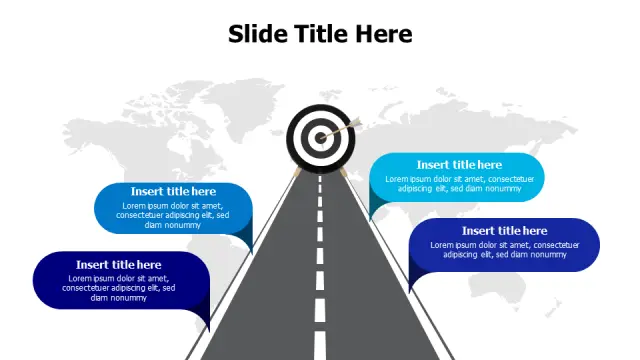
The mountain-peak metaphor works especially well for goal-oriented narratives — reaching a summit, hitting a target — and the central bullseye icon reinforces that framing immediately. Four milestone bubbles keep the message tight, and the world-map background layer adds geographic or global-strategy context without extra slide design work.

Choose this one for quarterly business reviews or OKR presentations where you want four goals to feel like a unified climb toward a single outcome.

Five Step Circular Road Path Infographic
Free PowerPoint + Google Slides 190+ downloads

Five circular road loops, each containing a numbered location pin, create a visually distinctive rhythm that separates this from standard linear roadmaps. The circular path structure implies iteration or cyclical progress, making it a strong fit for agile sprints, recurring process phases, or continuous improvement frameworks.

Each segment's dedicated text area handles both a stage title and a short description — enough room for a two-line summary without crowding the visual.

5-Stage Journey Path Location Markers Template
Free PowerPoint + Google Slides 172+ downloads

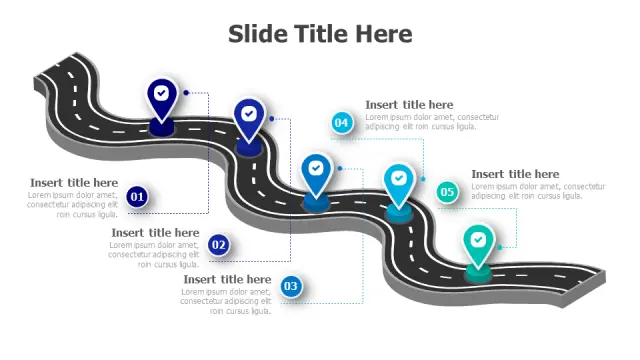
The 3D perspective on the asphalt path gives this slide real depth on a projected screen, helping it stand out in decks that might otherwise look flat. Five teal-and-blue location pins map cleanly to five deliverables or phases, and the realistic road texture reinforces the journey metaphor without feeling gimmicky.

Works well in sales pitches and onboarding decks where you need a visually memorable overview of what comes next for a client.

5-Stage Journey Path Roadmap Infographic
Free PowerPoint + Google Slides 159+ downloads

A winding black path with gradient blue-to-teal pins strikes a slightly more corporate tone than the road-texture variants, making it comfortable inside formal business or consulting presentations. Five stages is the sweet spot for most project phase summaries, and the colour gradient implies forward momentum across the sequence.

Pair it with a detailed Gantt slide later in the deck — this template handles the high-level story, the Gantt handles the detail.

6-Step Curved Roadmap Journey Template
Free PowerPoint + Google Slides 112+ downloads

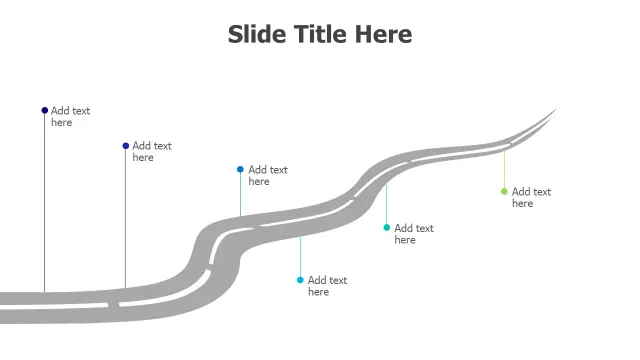
Six milestones is often where presenters struggle — too many for a simple four-box layout, not enough for a full timeline. This curved pathway solves that by spacing six points across a winding gray road with coloured connector dots that break up the visual and make each stage distinct.

Dedicated text areas at each milestone mean you can include both a stage name and a brief descriptor, useful for software release roadmaps or phased construction project overviews.

5-Year 3D Isometric Timeline Roadmap
Free PowerPoint + Google Slides 108+ downloads

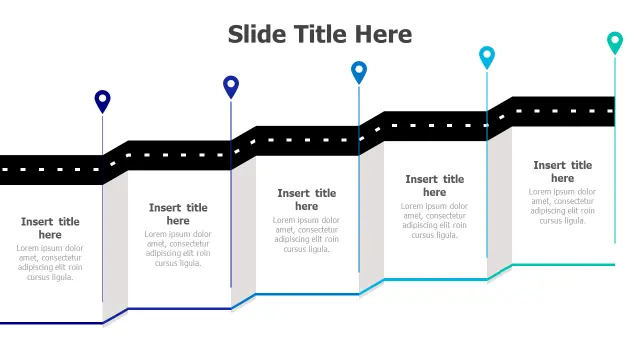
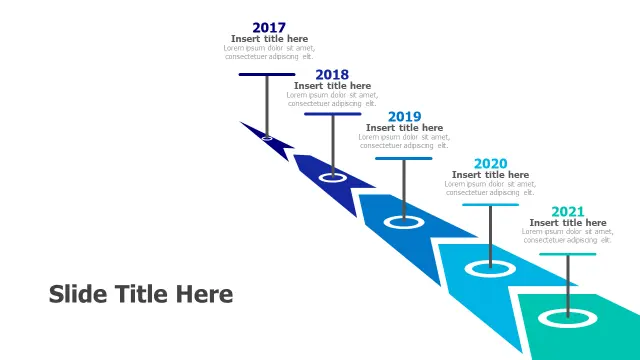
The descending 3D isometric staircase is the defining feature here — it reads as a structured, step-down progression rather than a flowing path, which suits organisations that want to communicate precise, planned stages rather than organic growth. The isometric perspective photographs well and prints clearly in handout format.

Best used for multi-year strategic plans where each year represents a distinct phase with its own objectives, not just a point on a continuous line.

5-Year Winding Path Timeline Roadmap
Free PowerPoint + Google Slides 108+ downloads

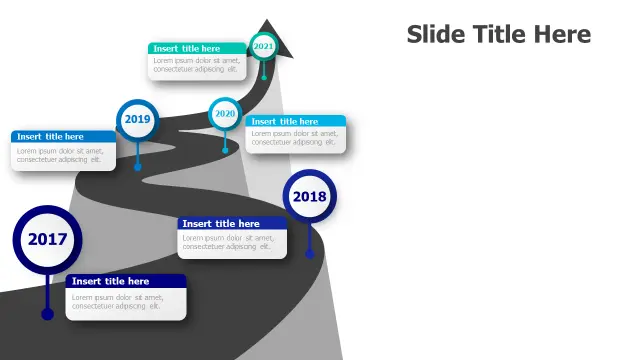
Another five-year winding path, but with circular year-marker badges that give each milestone stronger visual weight than a simple pin. The curved design is slightly more compact than template 2095, which makes it the better choice if you need to reserve slide real estate for a legend or footer branding.

Circular markers also print more legibly at small sizes — useful if this roadmap slide will appear as a thumbnail in a printed executive summary.

Frequently Asked Questions

What is a roadmap template in PowerPoint?

A roadmap template is a pre-built slide layout that visualises project milestones, phases, or strategic goals along a timeline or path graphic. It replaces manual shape-drawing by giving you placeholders you fill with your own dates and descriptions.

How do I edit a roadmap template in PowerPoint?

Open the file, click any text placeholder, and type your milestone content. To recolour shapes, select them and use Format > Shape Fill on the ribbon. Most roadmap templates use grouped objects — double-click a group to edit individual elements inside it.

How many milestones should a roadmap slide include?

Four to six milestones work best for a single slide — enough to show progression without crowding. If you have more stages, split across two slides or use a smaller font size and tighter layout like the 9-stage S-curve template.

What's the difference between a roadmap and a timeline in PowerPoint?

A timeline anchors milestones to specific calendar dates and emphasises chronological spacing. A roadmap focuses on sequence and strategic phases, often without fixed dates. Choose a timeline when dates matter; choose a roadmap when the order and logic of steps matter more.

Can I use a roadmap template for an agile or sprint plan?

Yes. Replace year labels with sprint numbers or quarter names, and use milestone markers for sprint goals or release versions. Circular path designs work especially well for agile because the looping visual reinforces iterative delivery cycles.

Looking for more Roadmap templates?

Browse the full library of Roadmap PowerPoint and Google Slides templates — fully editable, free to download.

Browse all Roadmap templates