INSERT SLIDES RIGHT INSIDE YOUR
POWERPOINT & G SLIDES
MATCH YOUR BRANDING COLORS
& FONTS IN ONE CLICK
Stop brand chaos.
Get fully-branded PowerPoint & Google Slides templates that empower your team to create professional decks—consistently.
YOU CAN CONTINUE TOMORROW OR SUBSCRIBE FOR UNLIMITED DOWNLOADS
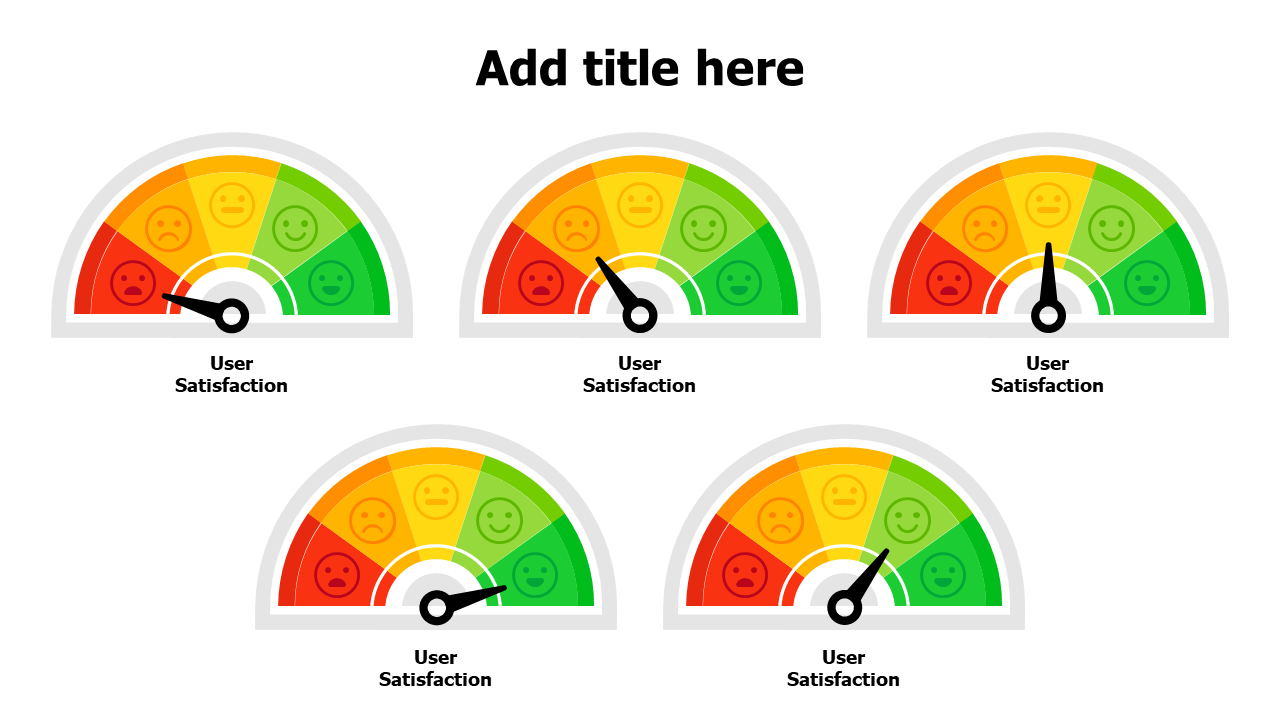
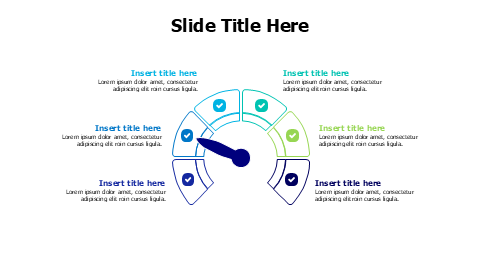
Select the indicator group & then rotate right & left to the desired position To flip the colors: select the colors group, then "Shape format" --> "Rotate" --> "Flip Horizontal"