
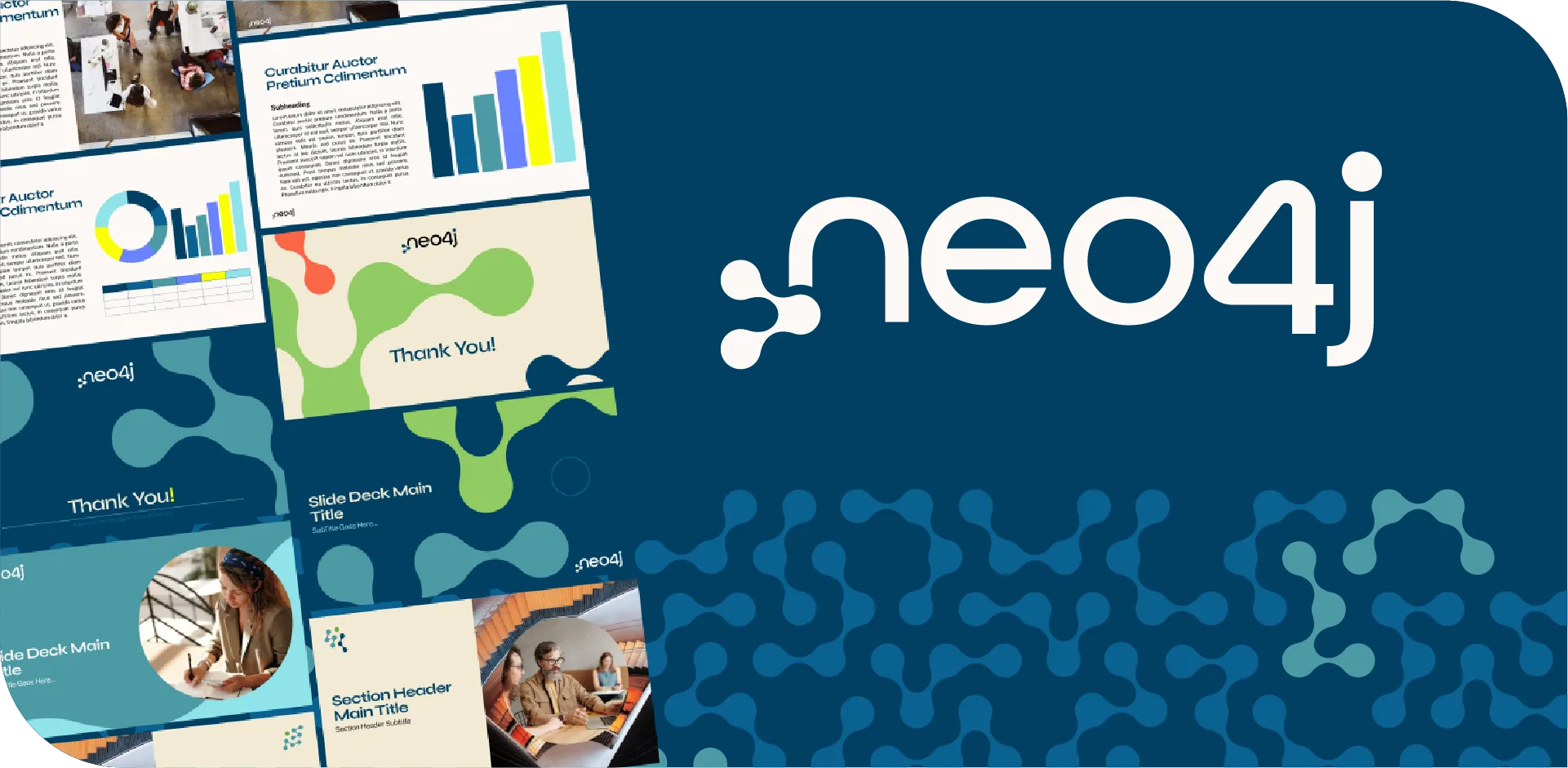
Neo4j asked us to produce a fully editable PowerPoint template tailored to their graph database and connected data solutions:
1. Translating Brand Identity into Visual Rules
We began by analyzing Neo4j’s logo, color system, and digital presence to establish a set of branding guidelines. These guidelines defined how the brand’s innovative and data-driven personality should be expressed visually in presentations.

2. Designing Modular Layouts
Instead of static layouts, we created modular slide structures that could adapt to different types of content — from technical diagrams and product demos to executive summaries and customer case studies. This flexibility ensured the template could serve multiple teams across the organization.

3. Building a Dynamic Color Palette
We integrated Neo4j’s brand colors directly into PowerPoint, creating a palette that balanced bold accents with neutral tones. This allowed presenters to highlight key data points while maintaining a clean, professional look.

4. Embedding Typography for Global Consistency
Brand fonts were embedded into the template and applied to headings, subheadings, and body text. This guaranteed consistent typography across all presentations, whether shared internally or externally, and reinforced Neo4j’s modern, tech-forward identity.

5. Developing Master Slides with Smart Placeholders
We constructed master slides with intelligent placeholders for text, charts, and visuals. These were designed to support complex data storytelling while keeping slides easy to edit and visually aligned with the brand.

6. Customizing Handouts & Notes Masters
Beyond the slides, we designed branded handouts and notes masters. These ensured that supporting materials — often used in technical workshops or training sessions — carried the same professional identity as the main presentation.

7. Integrating with the Slide Library for Scalability
Finally, we connected the template to our slide library, giving Neo4j access to a wide range of pre-designed slides. Each one automatically matched their brand colors and fonts, enabling teams to build presentations quickly and consistently, directly inside PowerPoint.

Result
Neo4j received a fully branded, professional PowerPoint template that is editable, reusable, and aligned with their innovative identity. This solution streamlined their workflow and ensured every presentation — whether technical or business-focused — communicates their brand consistently and effectively.