
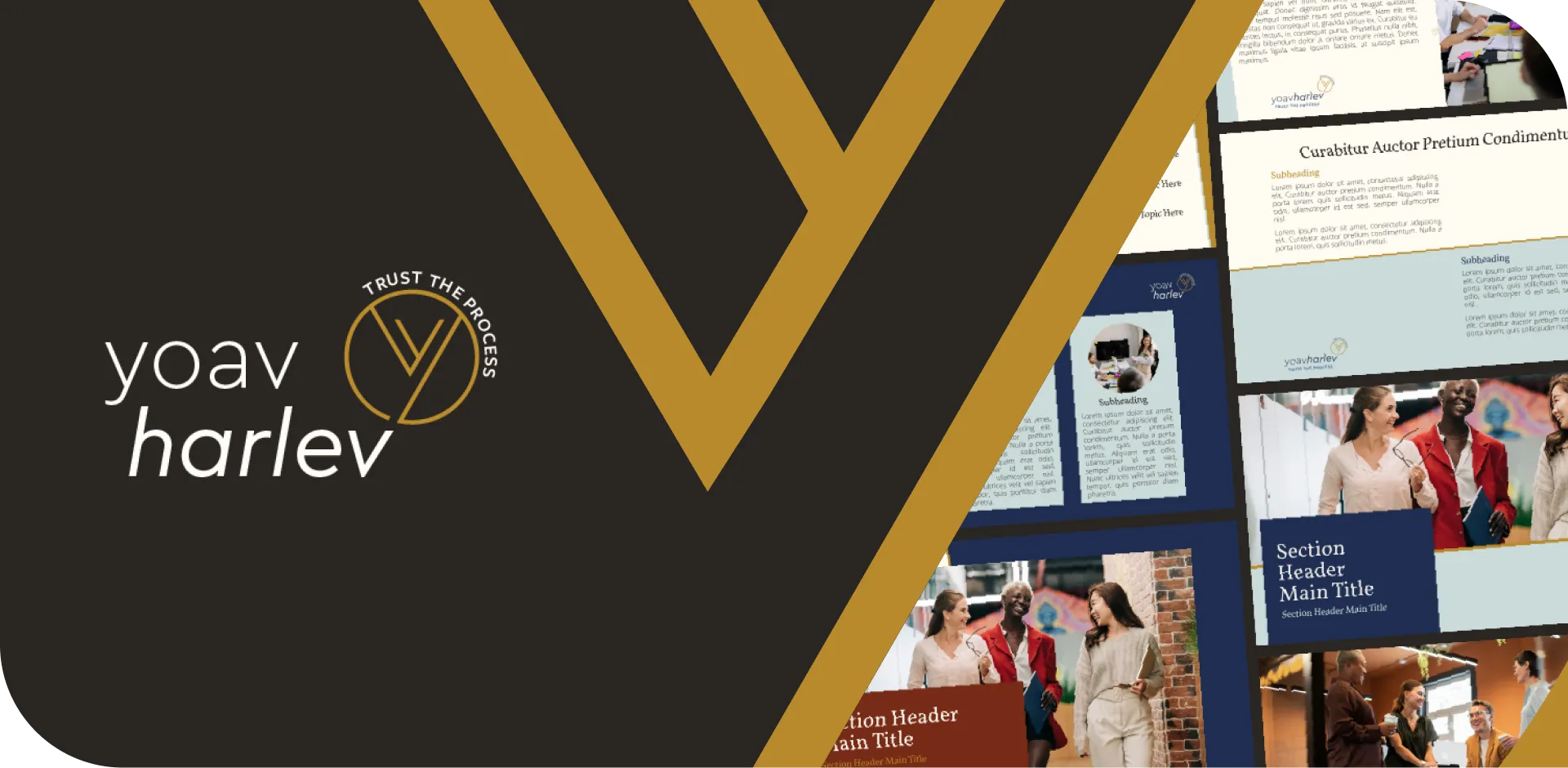
The client asked us to produce branding guidelines based on their logo and then create a fully editable PowerPoint template tailored to their leadership and organizational consulting practice.
1. Branding Guidelines Development
We began by translating the comprehensive guidelines based on the client’s branding
This included defining the brand’s visual language, ensuring consistency across presenting assets.

2. Layout Design
Next, we designed presentation layouts aligned with the newly established branding guidelines, focusing on clarity, professionalism, and visual storytelling.

3. Color Palette Setup
We built a custom brand color palette inside PowerPoint, ensuring every slide could instantly reflect the client’s identity and color palette without doing it manually every time.

4. Font Embedding
Brand fonts were embedded into the template, applied to both headings and body text. This guaranteed consistent typography across all presentations, even when shared externally.

5. Master Slide Creation
We developed master slide layouts with predefined text and image placeholders, making it easy for the client to build new presentations without breaking brand consistency.

6. Handouts & Notes Master
Custom handouts and notes masters were created to extend the brand identity beyond slides, ensuring supporting materials matched the overall design.

7. Slide Library Integration
Finally, we provided access to our slides library, enabling the client to insert pre-designed and editable already made infographic templates that automatically matched their brand colors and fonts — all with a single click inside PowerPoint.

Result
The client received a professional, on-brand PowerPoint template that is fully editable, reusable, and aligned with their visual identity.
This streamlined their presentation workflow and ensured every deck communicates their brand consistently.