
Step-by-Step Guide:
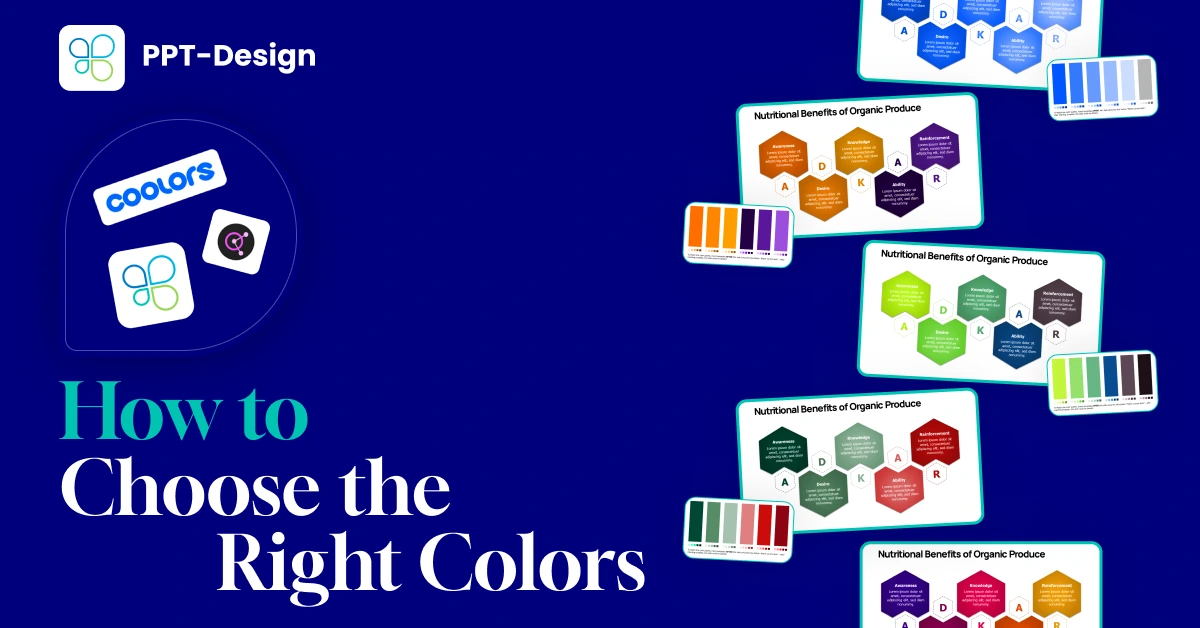
Best Tools for PowerPoint Color Palettes
01. Coolors (Coolors trending palettes)
Coolors offers a wide variety of ready-made palettes, or you can generate your own by simply hitting the space bar.
It’s fast, fun, and perfect for experimenting with fresh color combinations.

02. Adobe Color (Adobe Color Explore)
Adobe Color lets you browse palettes created from real design projects or build your own using preset color harmonies.
It’s a professional-grade tool trusted by designers
worldwide.

03. ppt-design Add-On
Our favorite option is the ppt-design
add-on, which comes with built-in ready-made palettes. You can explore both light and
dark options and apply them directly to your presentation with just one click.
This makes it incredibly easy to
stay consistent without leaving PowerPoint.

Why This Matters
Choosing the right colors helps you:
- ✅ Reinforce your brand identity
- ✅ Keep slides visually consistent and professional
- ✅ Engage your audience with appealing design choices
Conclusion
A strong presentation isn’t just about great content — it’s about design that resonates.
By using tools like Coolors, Adobe Color, and the ppt-design add-on, you can quickly find and apply the perfect palette to make your slides stand out.